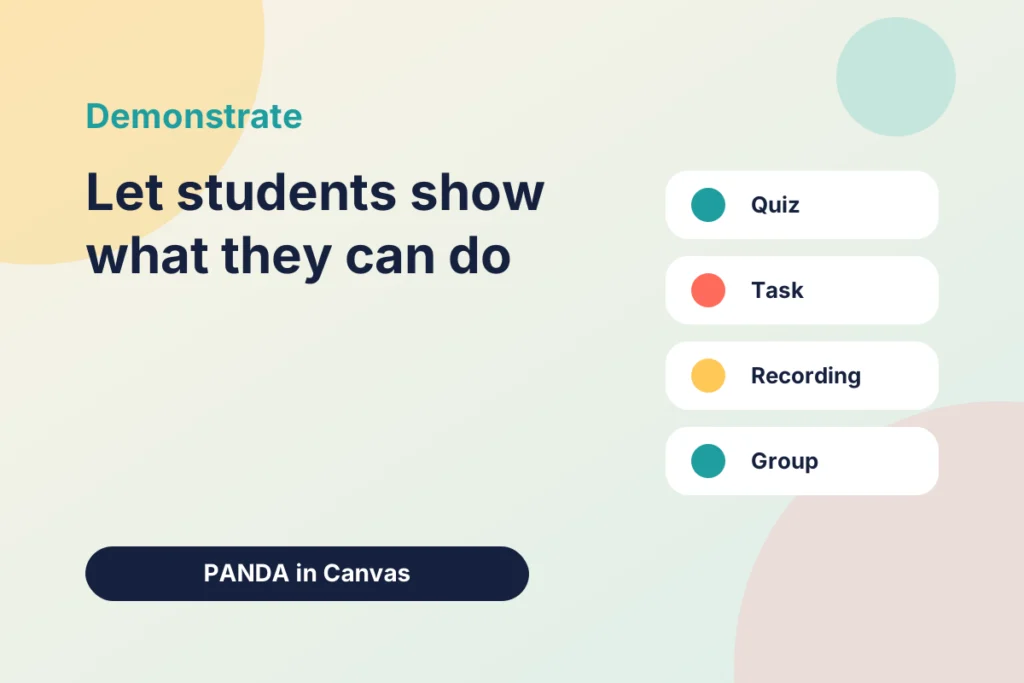
In the PANDA framework (Prepare, Activate, Navigate, Demonstrate, Articulate), the fourth element is where students show what they can do. Prepare sets out the outcomes, Navigate guides students through the content, and Demonstrate asks them to produce something that proves the learning has happened. This post looks at how to design that moment well in Canvas.
What Demonstrate is for
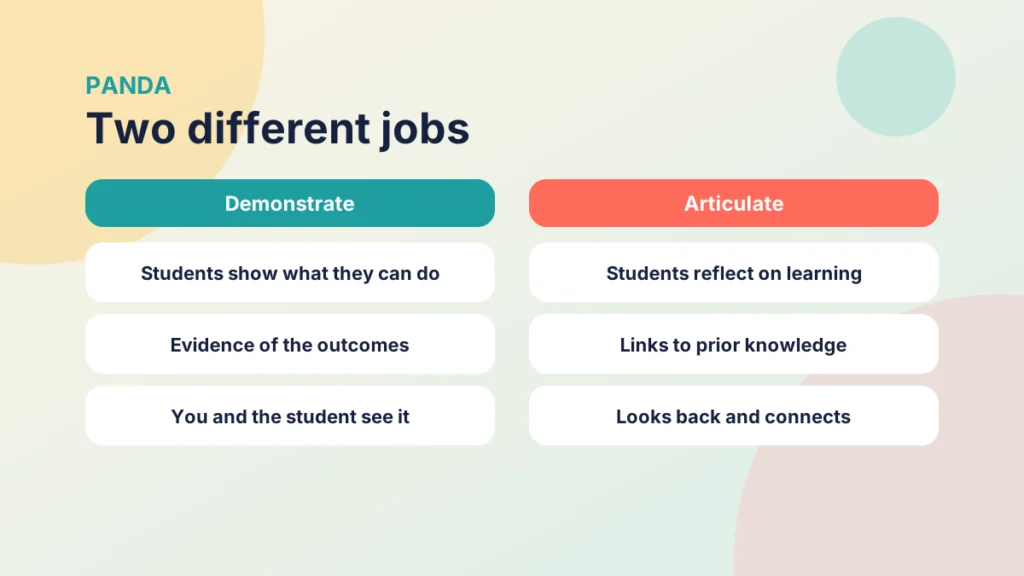
Demonstrate is about evidence. It might be a short quiz, a worked problem, a recording or a piece of writing. Whatever the format, it should let you and the student see whether the week’s outcomes have been met. It is also distinct from Articulate. In Demonstrate, students show what they can do. In Articulate, they reflect on what they have learned and how it connects to what they knew before.
Start from the outcomes
The outcomes you shared in Prepare should drive what you ask for. This idea is often described as constructive alignment: the teaching, the activities and the assessment all point at the same intended learning. If an outcome asks students to apply a concept, a recall quiz alone will not give you the evidence you need. If it asks them to explain, a multiple-choice question may not be enough.
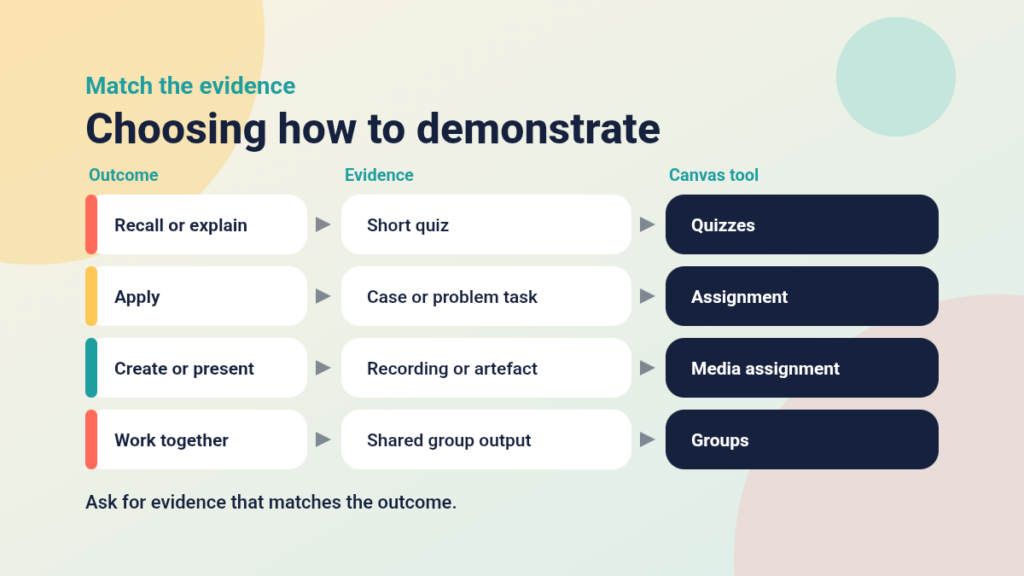
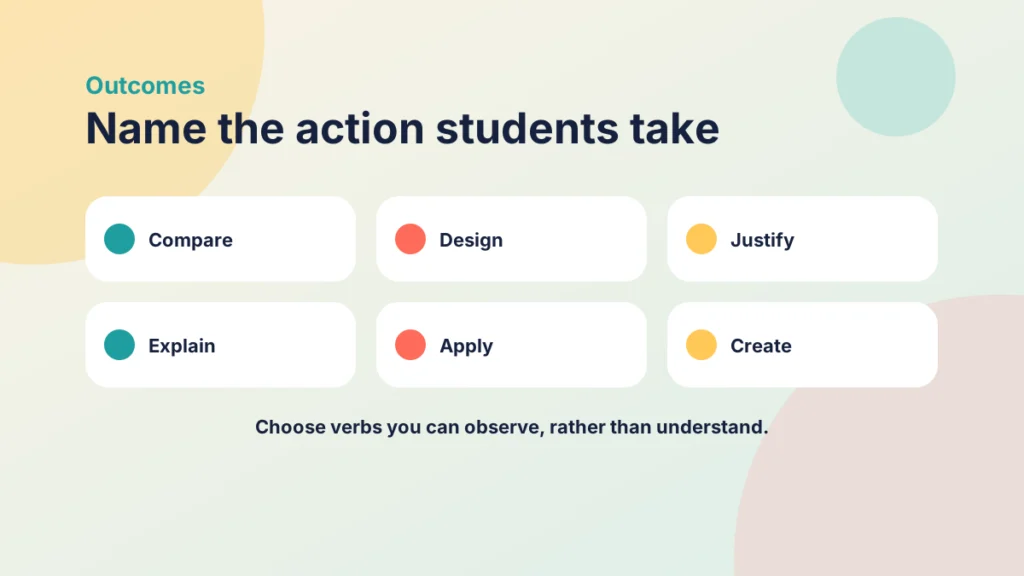
Describe each task in terms of what students will do, such as compare, design or justify, rather than general words like understand. Active verbs of this kind make it easier to judge the evidence and easier for students to see what is expected. The diagram shows one way to match outcomes with evidence and the Canvas tool that suits each.
Four ways to let students demonstrate
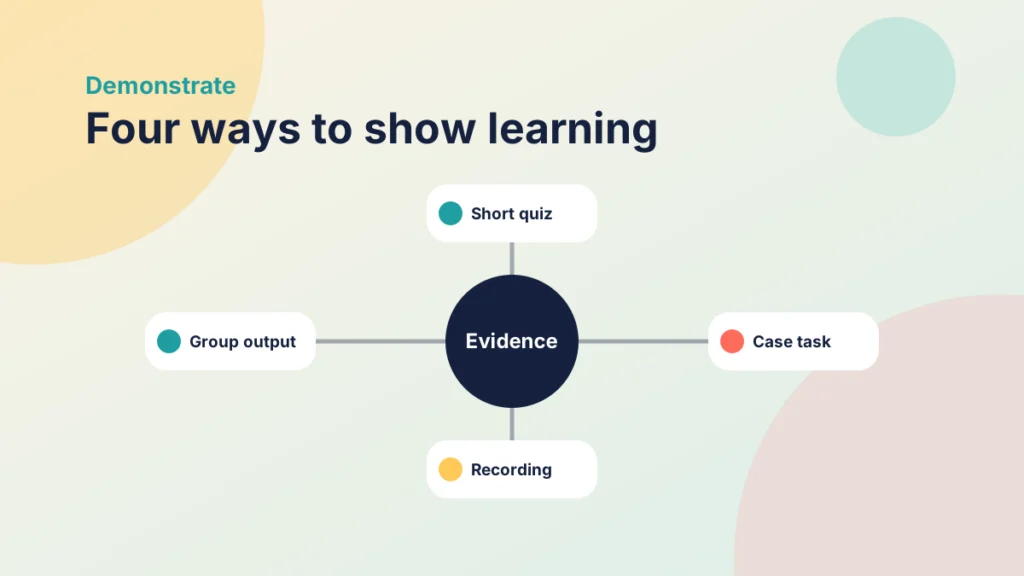
1. Check knowledge with a short quiz
Quizzes are efficient for recall and understanding. You can allow more than one attempt, show feedback on answers and use question banks so that each attempt differs. Keep the stakes low within PANDA, because the aim is to help students see where they stand.
2. Apply learning to a task
A short case study, problem or scenario asks students to use what they have learned. Canvas Assignments can accept text entries, file uploads or website links, so students can respond in the way that suits the task. A rubric attached to the assignment makes your expectations visible before students start. Authentic tasks drawn from real situations in your discipline can also show students why the learning matters.
3. Create something
Students might record a short explanation, produce a poster or build a simple web page. Canvas assignments can accept media recordings, which suits oral explanations and demonstrations. Creating something often reveals understanding more fully than answering questions about it.
4. Work together
If collaboration is part of the outcome, use Canvas Groups so that students can produce a shared output. Be clear about how individual contributions will be recognised, and give students a way to raise concerns early.
Try it yourself
Match the outcome to the evidence
Choose the evidence that best fits each outcome. Each kind of evidence is used once.
Offer choice where you can
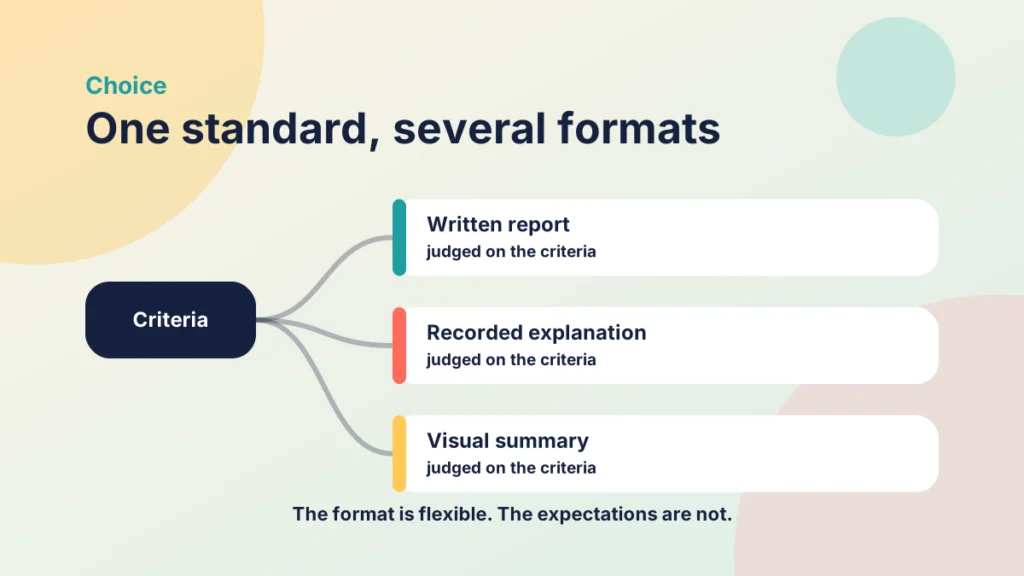
Where the outcome allows, let students choose how to show their learning. One student may prefer to write, another to record. As long as every option is judged against the same criteria, choice can improve engagement and accessibility without making the standard any less demanding. Provide the criteria up front, so students know that the format is flexible but the expectations are not.
Try it yourself
Same criteria, different formats
Choose a format and see how one set of criteria applies to it. This is a simple sample rubric, so adapt the wording to your own task.
Give feedback that moves learning on
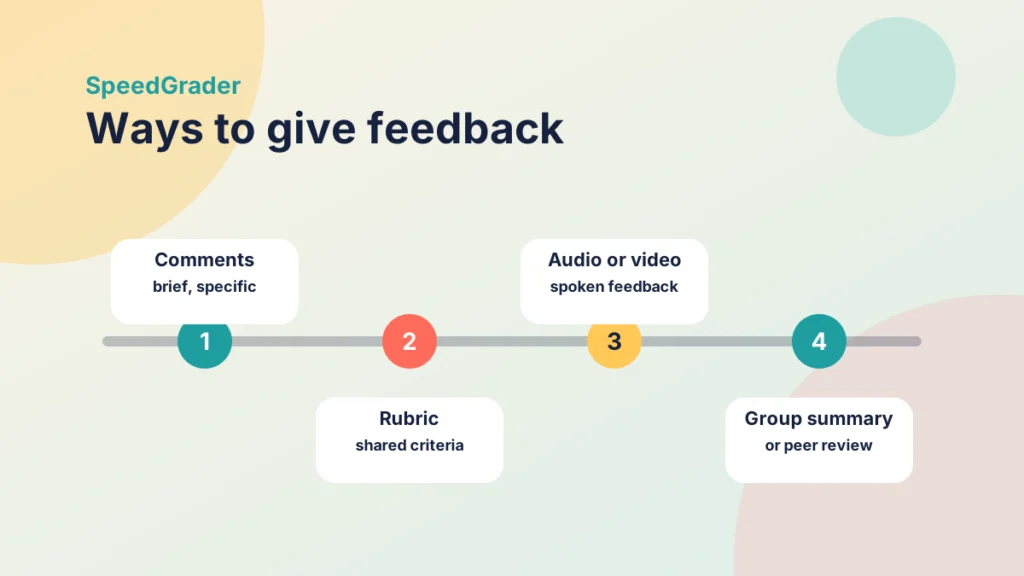
Demonstrate is most useful when students receive feedback they can act on. In SpeedGrader you can add comments, use rubrics and record audio or video feedback. Even brief, specific comments help. If you cannot respond to every student in detail, consider peer review or a group-wide summary that highlights common strengths and issues.
Keep it proportionate
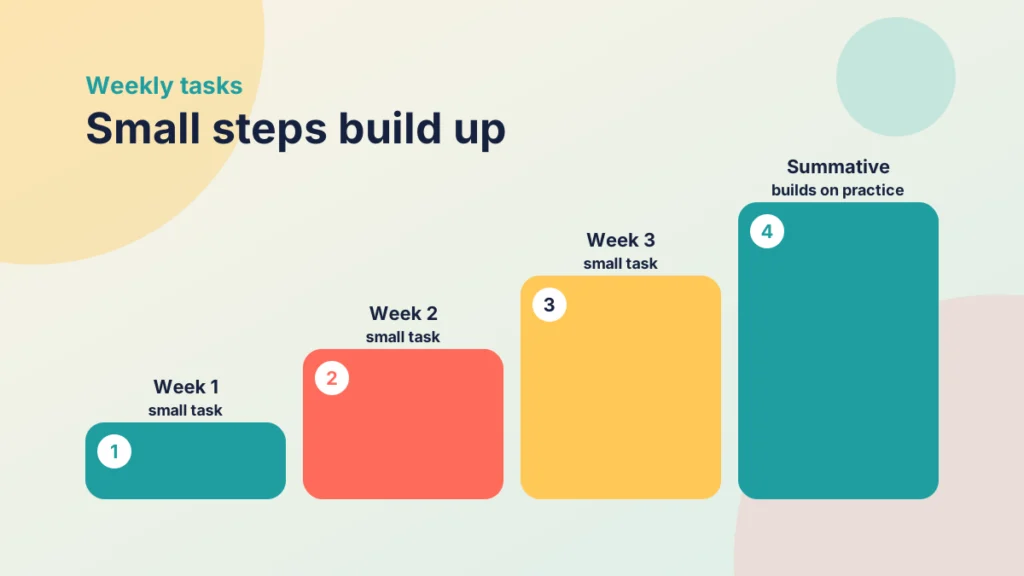
A weekly Demonstrate task should be small enough to complete in a reasonable time. If every week includes a heavy assessment, students will have no room for reflection and you will have a large marking load. Smaller formative tasks can build towards summative assessment, giving students practice and you early information about who needs support.
Common mistakes to avoid
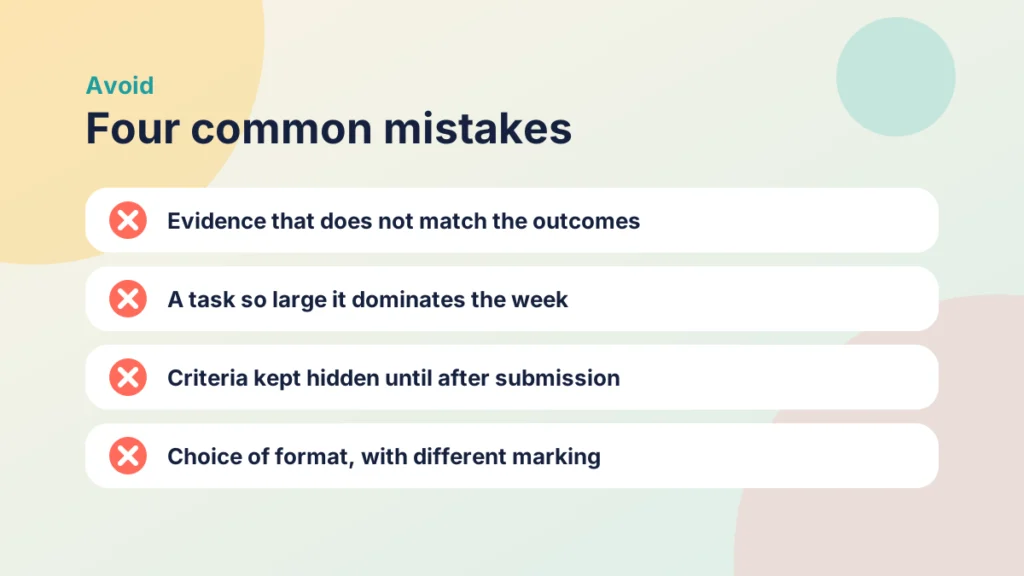
- Asking for evidence that does not match the stated outcomes.
- Making the task so large that it dominates the week.
- Keeping the criteria hidden until after submission.
- Offering choice of format but marking each format differently.
Getting started
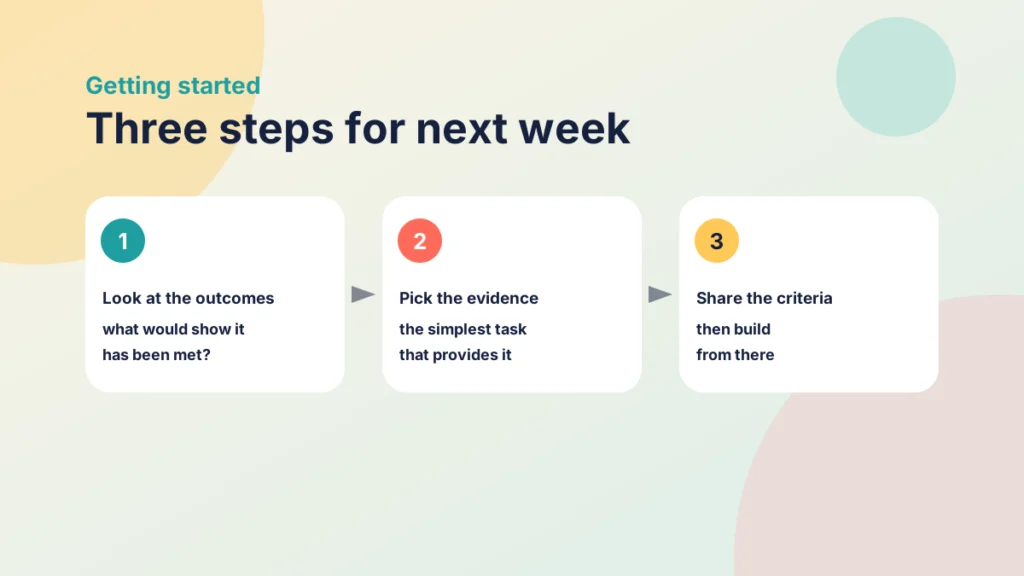
Look at next week’s outcomes and ask what evidence would convince you that students have met them. Choose the simplest task that provides it, share the criteria and build from there. Once students have shown what they can do, Articulate gives them a chance to reflect on how they got there.
Keep going

One Page vs Pre-In-Post vs PANDA: Choosing a Structure for Your Canvas Week
A one-page week, Pre-In-Post and PANDA each shape how students meet your content. This post compares their strengths and limits and shows how to choose and move between them in Canvas.
Introduction to the PANDA Framework
PANDA gives every week of an online course the same five-part structure: Prepare, Activate, Navigate, Demonstrate and Articulate. Here is how it works and how to build it in Canvas.

How to Activate Prior Learning Using PANDA
Activate is the PANDA element that gets students thinking before they meet new content. Here are three quick ways to bring prior learning to the surface in Canvas.