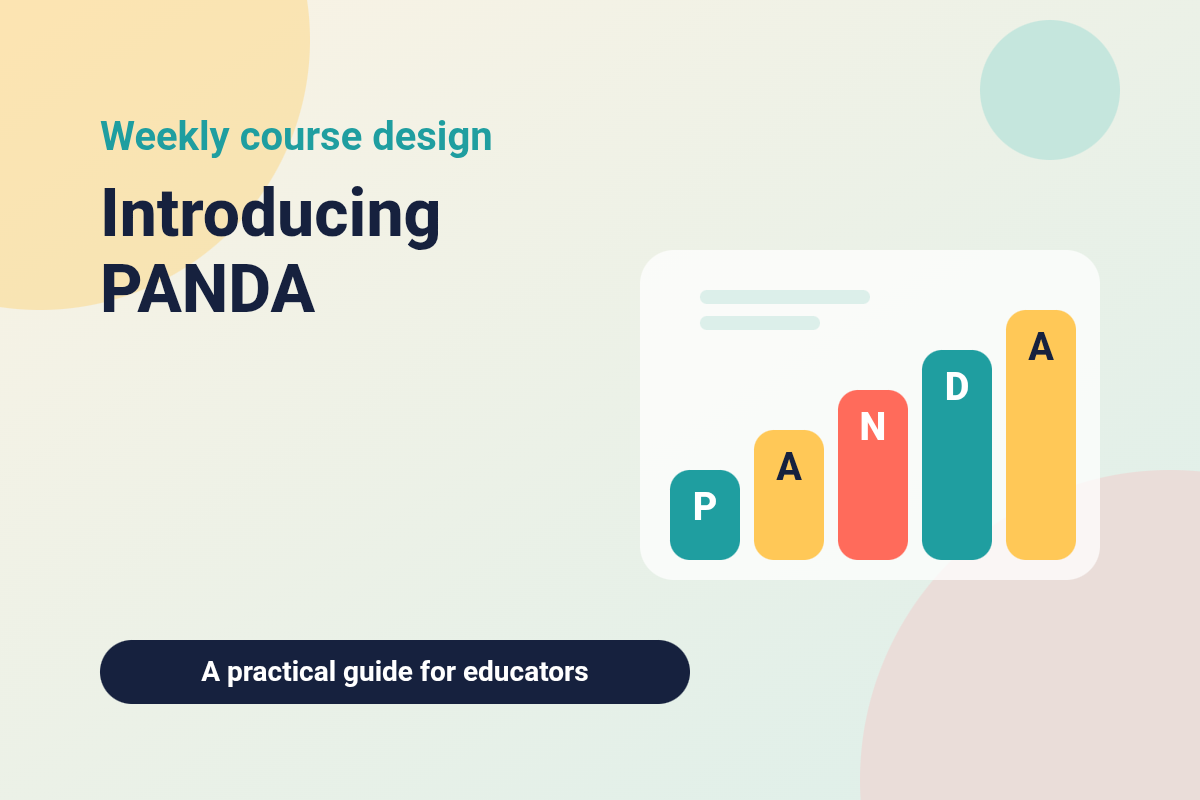
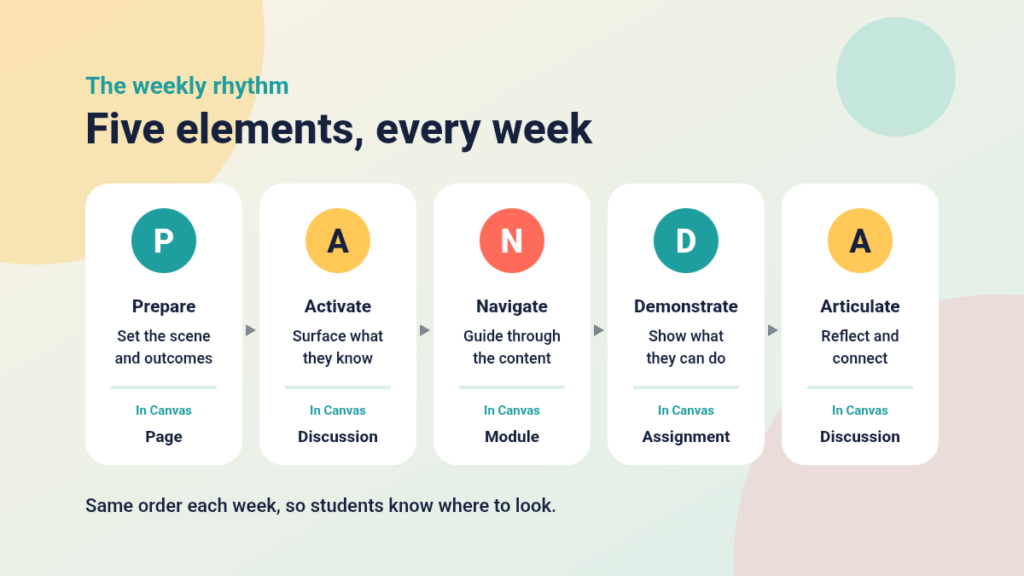
Online courses often struggle not because the content is weak but because students cannot tell what to do next. PANDA is a simple framework that gives every week of an online course the same five-part structure: Prepare, Activate, Navigate, Demonstrate and Articulate. This post introduces the framework and shows how you can build it in Canvas.
Why a repeatable structure helps
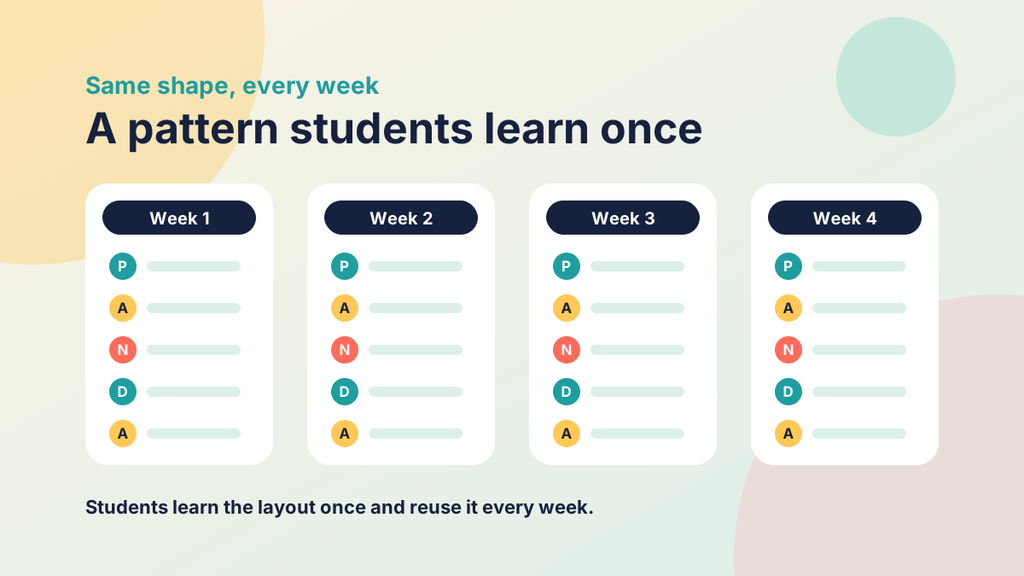
In a classroom you set the scene, check what people already know, teach, see what they can do and wrap up. Online, that guidance has to be written into the course itself. A consistent weekly pattern means students learn the layout once and use it every week, so their effort goes into learning and not into finding things. It also helps you, because each week has the same shape and you can see at a glance when something is missing.
The five elements
P: Prepare
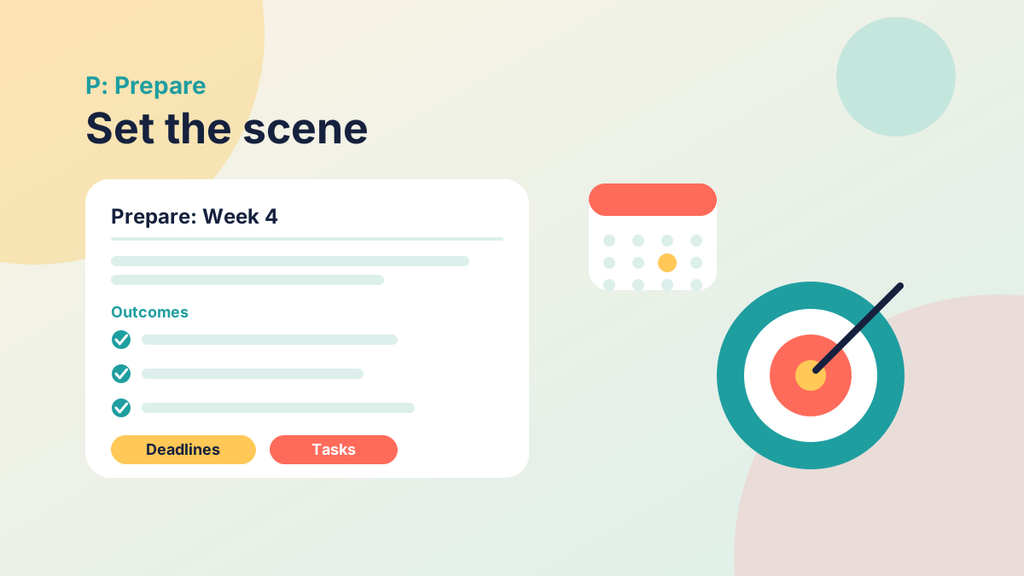
Prepare tells students what the week involves. It usually includes a short overview, the learning outcomes, the tasks with approximate times, and any deadlines. It is brief, and it sets expectations before students begin.
A: Activate
Activate brings what students already know to the surface before they meet new content. A simple open question, a prediction or a confidence rating works well. Keep it low stakes, so that students answer honestly and you see where the group stands.

N: Navigate
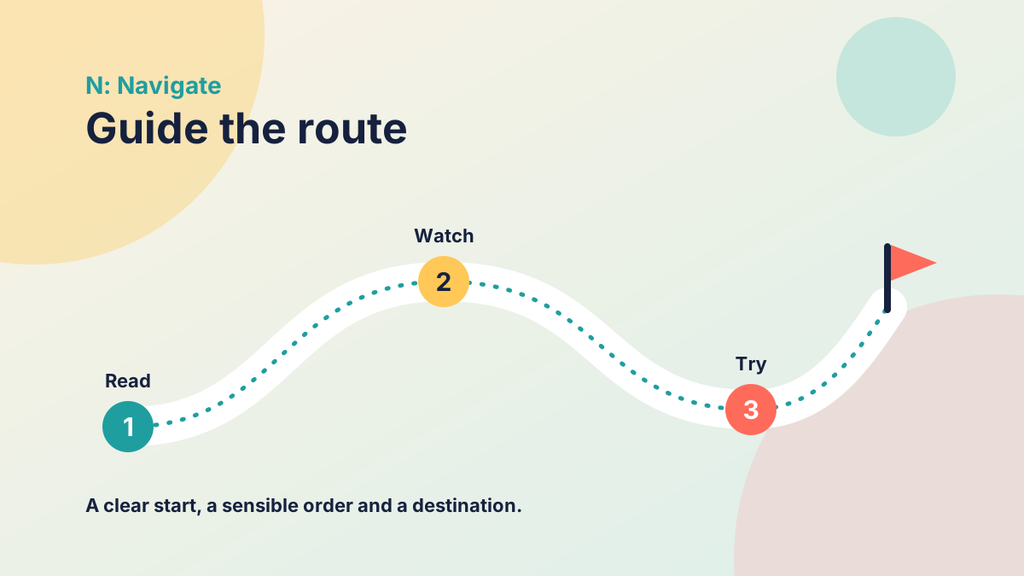
Navigate guides students through the main content. Break it into short, ordered steps, say what each step is and why it matters, and label what is essential and what is optional. The word is deliberate: a route needs a start, an order and a destination.
D: Demonstrate
Demonstrate asks students to produce evidence of learning. Choose tasks that match the outcomes, such as a short quiz, a case task, a recording or a group output, and share the criteria up front so students know what good work looks like.

A: Articulate
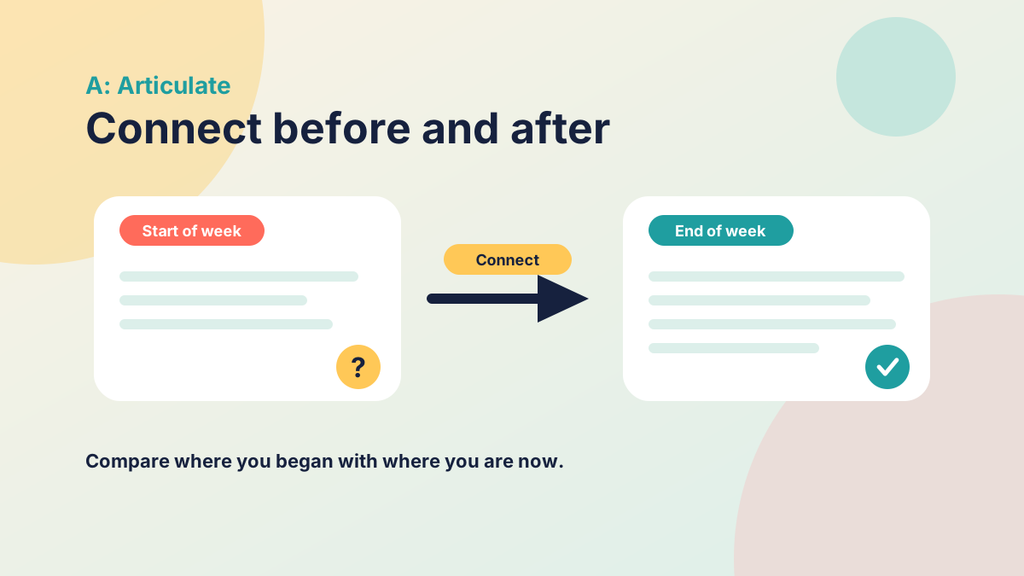
Articulate invites students to reflect on what they have learned and how it connects to what they knew before. Specific prompts work better than a general request to reflect, and a short group reply from you is often enough feedback.
Try it yourself
Explore the PANDA wheel
Select a segment, or use the buttons or the left and right arrow keys, to step through the five elements of a PANDA week.
How the elements fit together
The order matters. Prepare states the outcomes. Activate draws out what students already know. Navigate delivers the new content. Demonstrate gathers evidence against the outcomes. Articulate then asks students to compare where they began with where they are now, which closes the loop back to Prepare. Each element supports the next, so a weak one tends to show up in the one after it.
Try it yourself
Who is asking?
Every PANDA element answers a question a student is silently asking. Select a student question, then select the element that answers it.
Start with any question.
Building PANDA in Canvas
You do not need special tools. The framework works with standard Canvas features:
- One module per week. Place the five elements in the same order every time.
- Consistent names. Labels such as “Prepare: Week 4” or “Navigate: Week 4 content” help students recognise each element immediately.
- Pages suit Prepare and Navigate, because you can combine headings, lists and media.
- Discussions or ungraded quizzes suit Activate and Articulate.
- Quizzes, Assignments and Groups suit Demonstrate, with rubrics to make expectations visible.
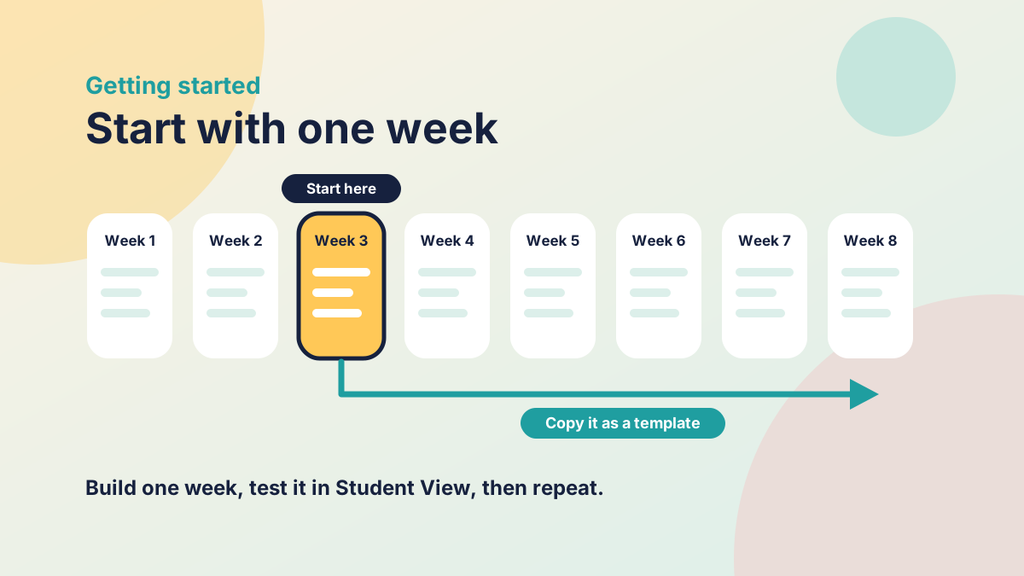
- Duplicate a finished module where Canvas allows it and replace the content, so that each new week starts from a tested template.
Before publishing, use Student View to work through the week as a student would.
Keep it proportionate
PANDA is a design aid and not a straitjacket. Some weeks need a longer Navigate or a heavier Demonstrate. Prepare, Activate and Articulate work best when they stay short, so the pattern does not become a burden for you or for students. If part of a week is taught live, adapt the elements to fit, but keep the order and the names recognisable.
Common mistakes to avoid
- Treating PANDA as a tick-box exercise instead of a way to check the design.
- Making every element long, which hides the structure.
- Changing the names or the order from week to week.
- Skipping Activate and Articulate because they seem optional. They are where prior learning is drawn out and connected.
Try it yourself
Find the missing element
Each week below is missing one of the five PANDA elements. Read the module, then decide which element a student would miss most.
Which element is missing?
Getting started
Choose one upcoming week. Write its outcomes, then ask what you would put in each of the five elements. Build a single module in Canvas, check it in Student View and ask a colleague or a student to try it. Once it works, copy it as your template. You can then read more about each element in turn and refine your approach as you go.