If you have seen headlines about WCAG 3, you may wonder whether your Canvas courses are about to go out of date. They are not. WCAG 3 is still a draft, and what is open for review is a working draft, not a standard you are expected to meet. This post explains what a working draft is, what the W3C has actually said, and a short routine that stays useful whichever standard your institution follows.
What a working draft is
A working draft is a document its authors publish so that others can read it and respond before it is finished. Its wording can change, and parts of it may be dropped or rewritten. That is the purpose of publishing it. The W3C post does not define the term, so this is the ordinary meaning in standards work.
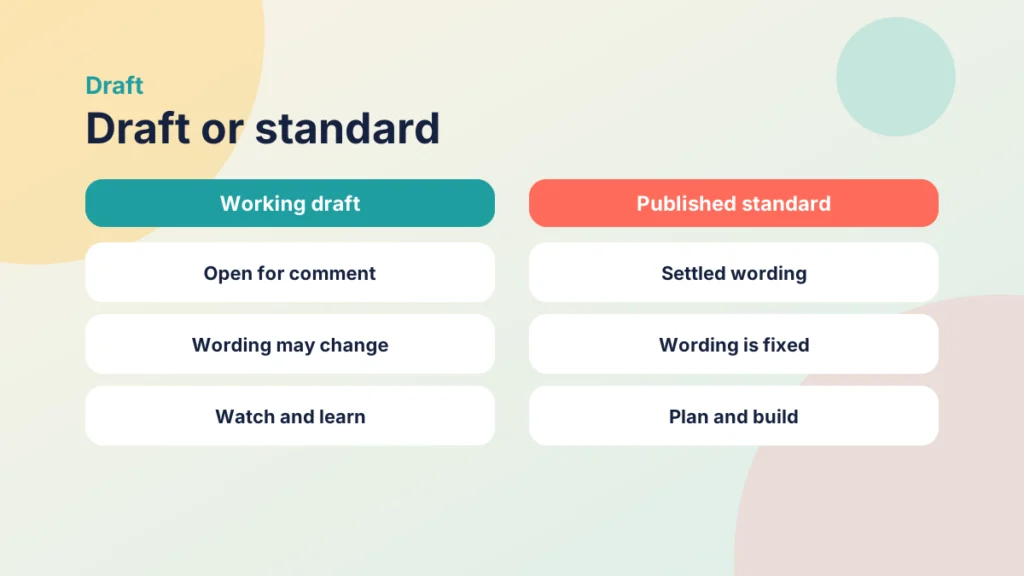
For you, the practical meaning is simple. A draft shows where thinking is heading. It does not tell you what you must do on Monday. Institutional policies normally name a published standard, and your institution will say which one applies. Until it says otherwise, keep working to the guidance you have now.
Think of it as a public consultation on a document. People who work on standards, tools and policy respond, the authors revise, and the document moves on. You are welcome to respond, but nobody expects you to have changed your course in the meantime.
That does not make the draft unimportant. Accessibility specialists and standards bodies will read it closely. The point is that a lecturer building a week in Canvas does not need to.
What we know and what we do not
On 10 September 2026, the W3C Web Accessibility Initiative posted that an updated WCAG 3 Working Draft, dated September 2026, is open for review. It invites ideas, suggestions and comments by email to a publicly archived list, or through GitHub. That is the news: a draft is open, and people are asked to respond.
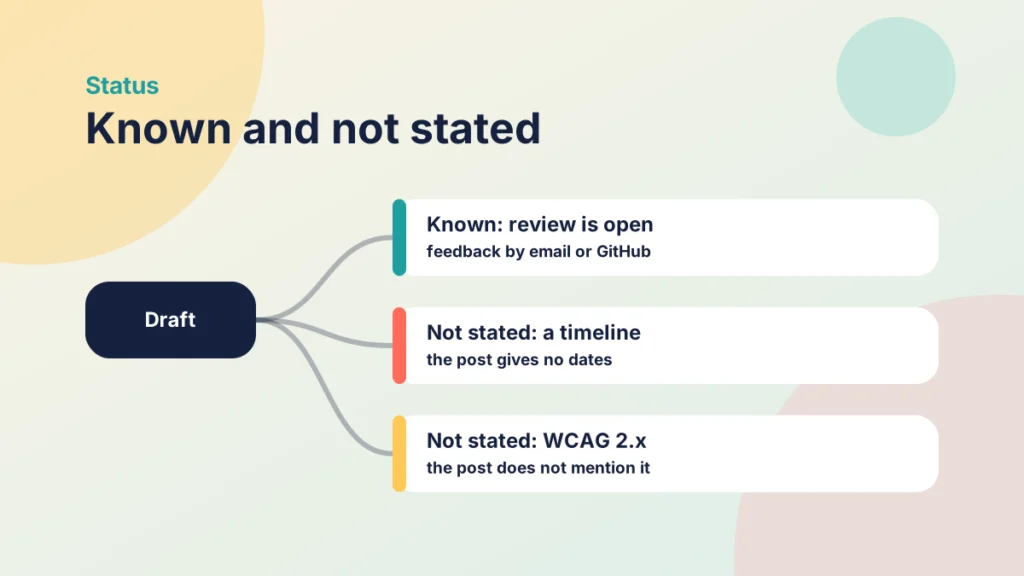
Two things the post does not do are worth stating plainly. It gives no dates or deadlines, and it points readers to the WCAG 3 introduction for background, timeline and up-to-date information. It also does not mention WCAG 2.x.
So this article does not guess when WCAG 3 might be finished, or what will happen to the guidance you use today. Be wary of anyone who claims to know. The introduction page is where the W3C sends people, and it lists the changes in the September draft and the review questions on the conformance model.
To follow the review without drowning in it, bookmark the W3C post and the introduction page it links to, and ask your accessibility team to tell you when something changes that affects how you build pages.
In short: a draft is open, feedback is invited, no timeline is given, and nothing is said about WCAG 2.x. Everything beyond that is speculation, and you are better off without it.
If you or your team care about the detail, you could read the draft and send comments. For most lecturers, the better use of an evening is the routine below.
Accessibility is more than compliance
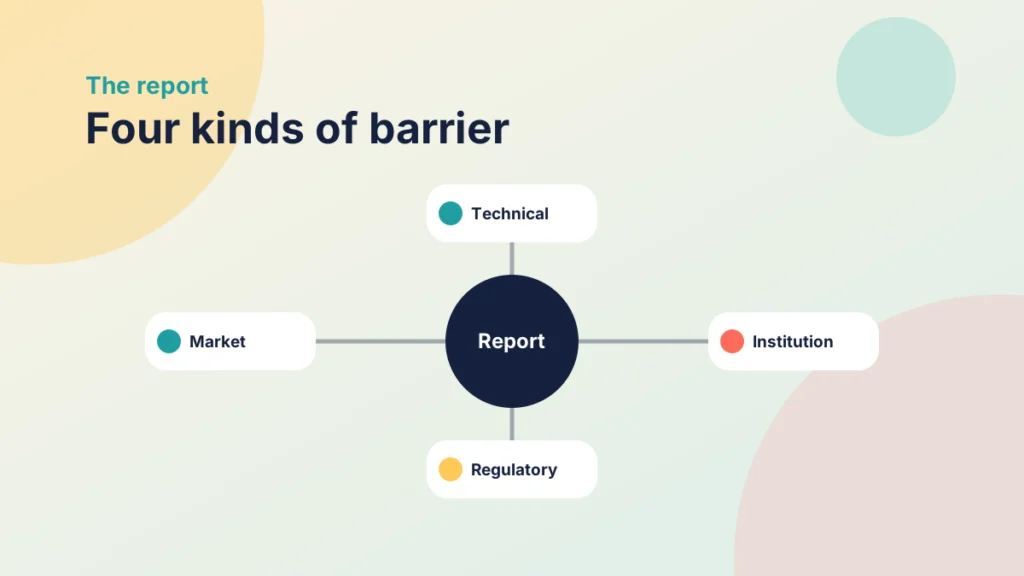
Accessible Digital Futures is a report from the Glenlead Centre and Jisc, covered by FE News on 30 January 2026. It draws on national workshops with 143 participants, including people from 49 universities. It describes barriers in four areas: technical, institutional, regulatory and market. Examples include tools that treat accessibility as an afterthought, skills shortages, and unclear or inconsistent policies.
Its central argument is that accessibility should be seen as “a route to academic excellence”, not only compliance. I find that a helpful frame for a draft standard. If your reason for good practice is “the rules say so”, a change in the rules feels like a threat. If your reason is that students can use the material, a change in the rules is new detail on a habit you already have.
The report is aimed at the sector and the technology industry, so some of its recommendations, such as using collective buying power, are beyond one lecturer. The part within your reach is the habit.
A routine that holds up under any standard
Here is a short routine for any page or document you add to Canvas this term. It rests on long-standing good practice, not on anything in the draft. Check these five things before you publish.
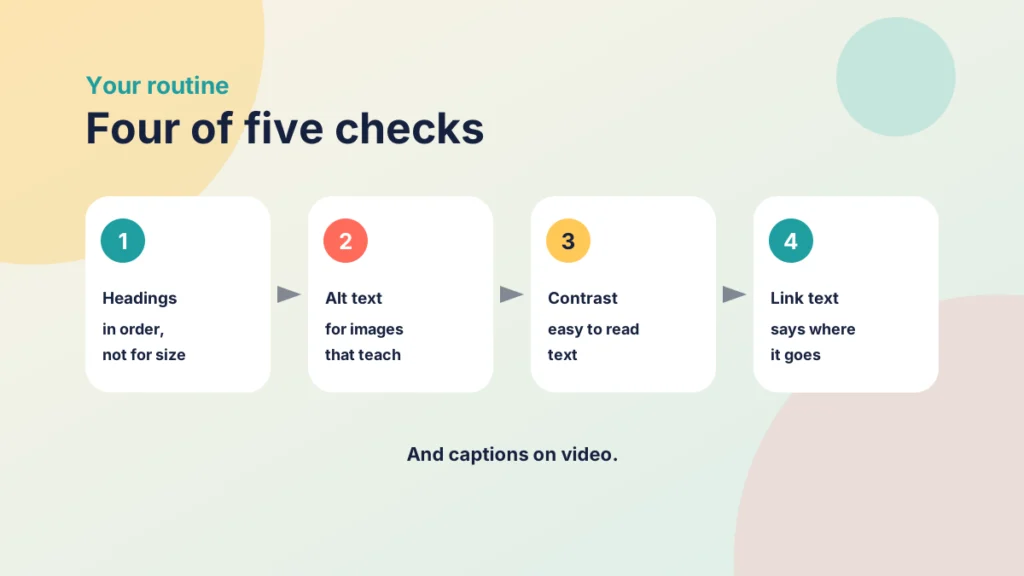
- Headings. Use real heading styles, in order, so a screen reader user can move through the page.
- Alt text. Describe what the image is for, or mark it as decorative.
- Contrast. Make sure text is easy to read against its background.
- Link text. Say where the link goes, so “read the guide” rather than “click here”.
- Video. Add captions, and a transcript if you can.
Here is how that looks in a real week. A page opens with a banner image, a chart from last year and three links. The banner gets empty alt text because it is decorative. The chart gets a sentence saying what it shows and why it matters, for example that most scores clustered in the middle. The links change from “this document” to the document’s name. The headings use Heading 2 and Heading 3 styles, not bold text. Nothing here is clever, and all of it takes minutes.
Files you upload are part of the course too. A scanned chapter saved as a PDF is a picture of text, and a screen reader cannot read it aloud. Where you can, ask your library for an accessible copy or use a text version. Likewise, do not use colour alone to carry meaning: “see the red items” does not help a student who cannot tell red from green, so add a label or a symbol.
Put it into practice
Try it in Canvas
- Open the page and select Edit.
- In the Rich Content Editor, select the accessibility checker.
- Work through each issue it lists, then select Save.
- Read the page once yourself, headings first, as a screen reader user might.
The checker finds some problems, not all. It cannot tell you whether your alt text is useful. For more on page layout, see Tips and Tricks for Better Canvas Wiki Page Design, and for common mistakes, Bad Practice in Canvas and How to Fix It.
Put it into practice
Your turn
Pick one existing page and read only its links, out of context. Would each one make sense on its own? Rewrite two that would not.
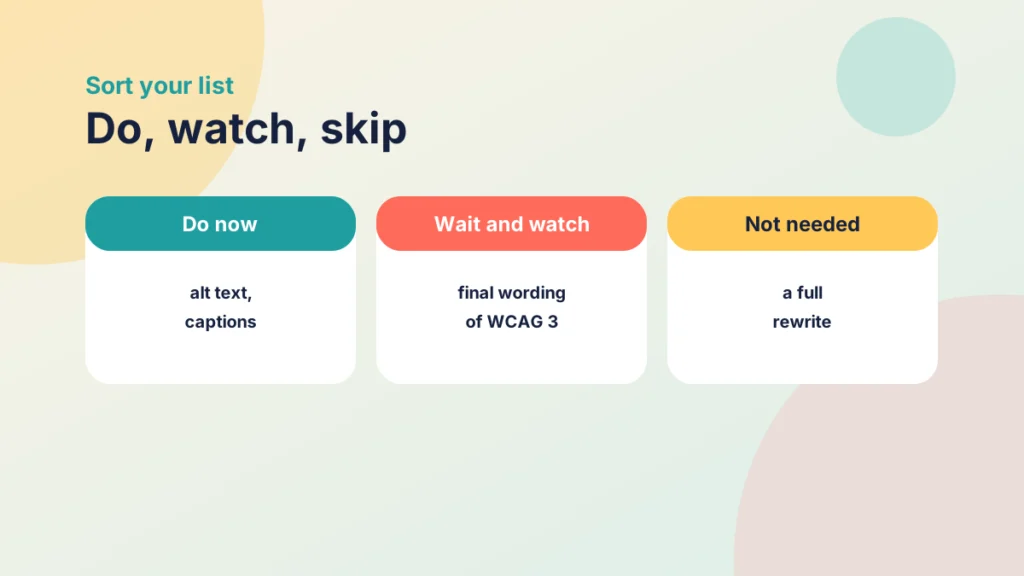
Try the sort below to test what belongs in your routine now.
Try it yourself
Do now, watch or skip?
Decide what to do with each statement while WCAG 3 is a draft. This is my reading, and your institution’s policy comes first.
What to leave alone for now
Do not rewrite your course. A draft is the wrong reason for a rebuild, and anything you build around draft wording might need redoing. Do not wait either: the habits above are good practice today.
Apply the routine to material you create from now, and improve older pages when you next touch them. That keeps the work small and steady. When you buy or adopt a tool, ask which standard it was tested against and who tested it, rather than relying on a claim about WCAG 3.
Refreshing Old Canvas Pages Without Rebuilding Them: A Before-and-After Checklist gives a before-and-after checklist that suits this approach.
Keep a short note of what you have changed and when. If your institution later adopts a new standard, a record of the pages you have already checked saves you starting again.
Who to ask at your institution
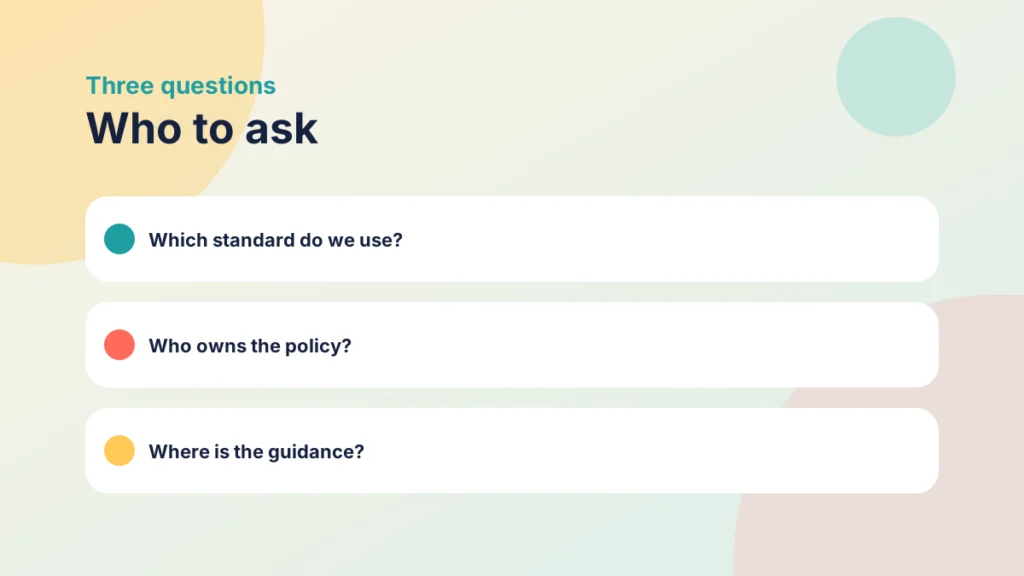
Your institution decides which standard applies. Ask three questions: which standard and version do our policies name; who owns accessibility policy and answers questions about changes; and where does guidance live, and how will staff be told when it changes.
If your institution has no clear answer, that is useful information too. A short email to the person who owns accessibility policy, asking which standard applies, is a reasonable request, and it makes the gap visible.
The Jisc and Glenlead report points to unclear, inconsistent policies as an institutional barrier, so asking is not nit-picking. Your learning technology or accessibility team may already follow the draft. If they do, ask them to tell you when it affects practice.
Remember
Key takeaways
- WCAG 3 is a working draft open for review, not a standard to meet yet.
- The W3C post gives no timeline and does not mention WCAG 2.x, so do not predict either.
- Good habits, such as headings, alt text, contrast, link text and captions, apply today.
- Your institution decides the standard, so ask which one.
Your next step
This week, pick one Canvas page you will use in the next fortnight and run the five checks on it. Afterwards, note which check took longest and whether the accessibility checker found anything you missed.
Reflect: if the standard changed tomorrow, which of your current habits would still stand?
Keep going
Bad Practice in Canvas and How to Fix It
The most common bad practice in Canvas, from file dumps to stale dates, and a practical fix for each one.
Refreshing Old Canvas Pages Without Rebuilding Them: A Before-and-After Checklist
You can improve inherited Canvas pages one at a time. This post gives you a short checklist for headings, link text, images and consistency, with a worked before-and-after page.
What Is SAMR and How to Use It in Canvas
SAMR is a model for judging what technology really changes in teaching. See the four levels and how to use them to improve a Canvas course.