Gamification has a mixed reputation in higher education. Done badly, it means points and badges stuck on top of unchanged content. Done well, it borrows from game design (clear goals, visible progress, safe practice and prompt feedback) to support learning that is already well designed. Canvas has no single gamification switch, but several built-in features combine to give you much of what you need. Here are five tips for using them.
1. Start with the learning behaviour, not the game mechanic
Before you change a single setting, decide what you want students to do more of. Perhaps it is attempting retrieval practice each week, engaging with material before a seminar, or acting on feedback. Then choose mechanics that serve that behaviour. If you cannot explain how a point, badge or level supports an intended learning outcome, leave it out.
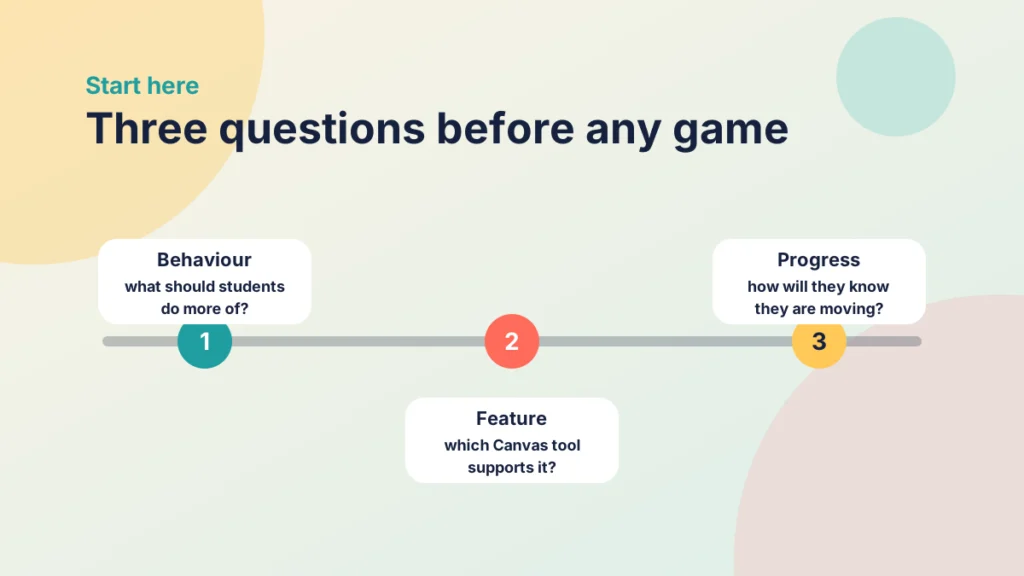
A useful test is to ask three questions. What do I want students to do? Which Canvas feature supports that behaviour? How will students know they are making progress? If any answer is vague, refine the design before you build anything.
It is also worth being cautious about rewards. Extrinsic incentives can shift attention from learning to earning points, so keep the emphasis on mastery and progress rather than competition.
2. Turn modules into levels
Modules are the most game-like structure in Canvas, because they already organise content into a sequence.
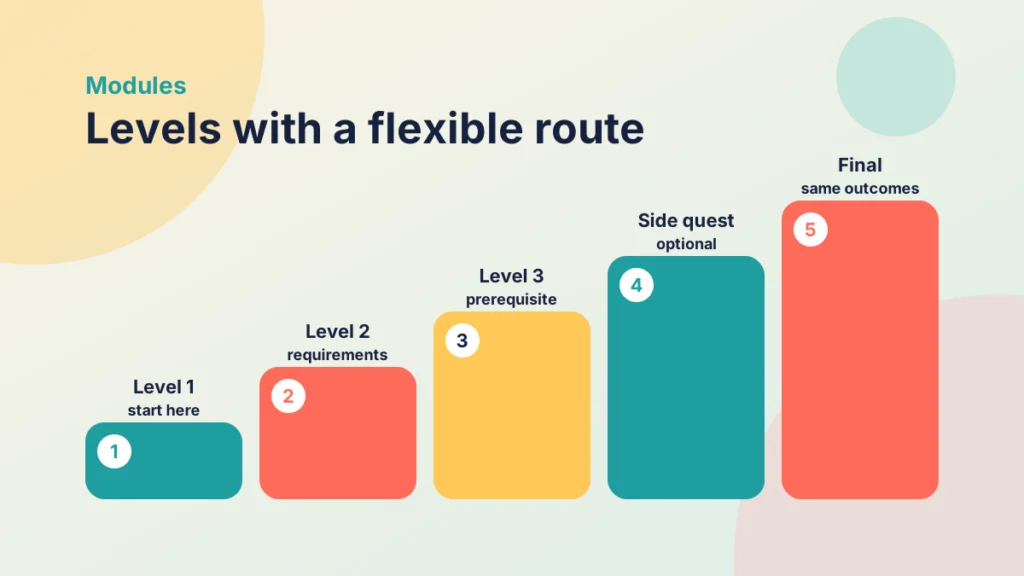
Use requirements and prerequisites
Within a module you can ask students to view a page, mark an item as done, submit an assignment or reach a minimum score. You can also set prerequisites so that one module unlocks only after another is complete. Students get a clear route through the course and a visible sense of moving forward.
Keep the route flexible
Strict sequential locking can frustrate students who are juggling other commitments. Consider requiring only the essential items and presenting extension tasks as optional side quests that deepen understanding without blocking progress.
3. Branch the journey with Mastery Paths
Mastery Paths let you release different content depending on how a student performs on an assignment, quiz or graded discussion. A student in a lower score range might receive a recap activity, one in the middle a standard practice task, and one in a higher range a challenge task. Check with your institution that the feature is available in your course.
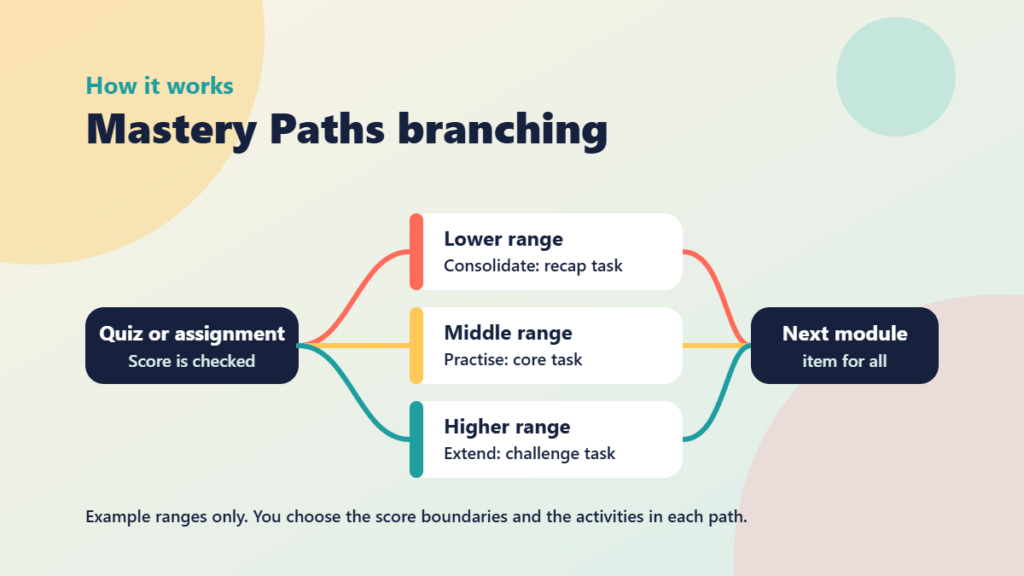
Name the paths neutrally. Labels such as Consolidate, Practise and Extend feel like options, whereas a label like Remedial feels like a penalty. Make sure every path leads to the same learning outcomes so that nobody is working towards a lesser goal. Because the feature depends on timely scoring, it works best with auto-marked quizzes or assignments you can grade promptly.
Try it yourself
Mastery Paths pathfinder
You are the course designer. Each student has just finished a quiz. Send them down the right Mastery Path, build your streak and level up.
4. Make practice safe with low-stakes quizzes
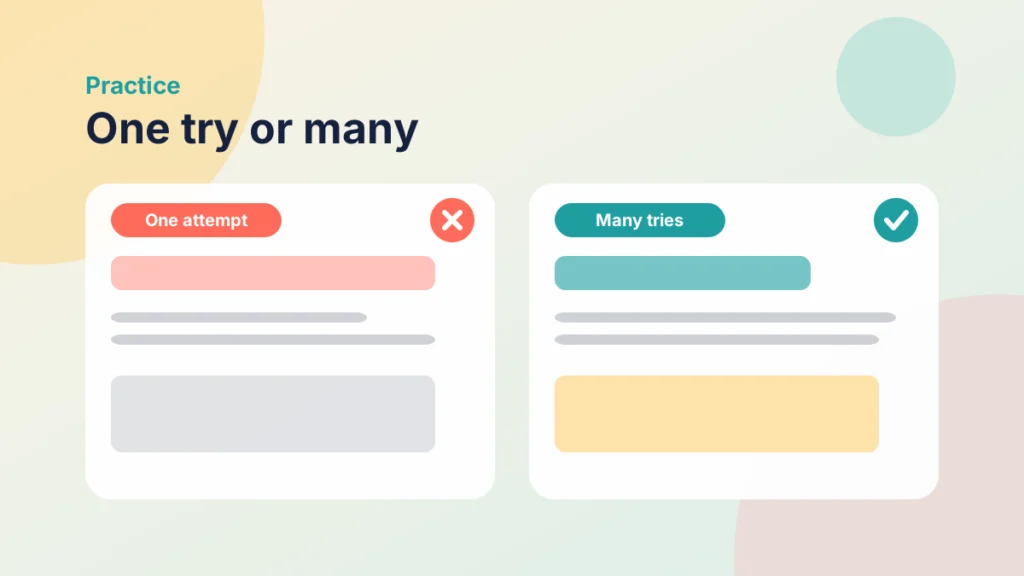
Games let players fail, learn and try again. Canvas quizzes can allow multiple attempts, keep the highest score and show feedback on answers, which makes them useful for retrieval practice as well as assessment. In New Quizzes you can draw questions from item banks so that each attempt is a little different.
- Keep the stakes low. Attach few or no marks to practice quizzes so that students are encouraged to experiment.
- Explain, do not just mark. Feedback that says why an answer is right or wrong turns each attempt into a learning opportunity.
- Allow retries. Multiple attempts reward persistence and improvement, not a single lucky pass.
5. Make progress visible and recognise it fairly
Show progress, not just rankings
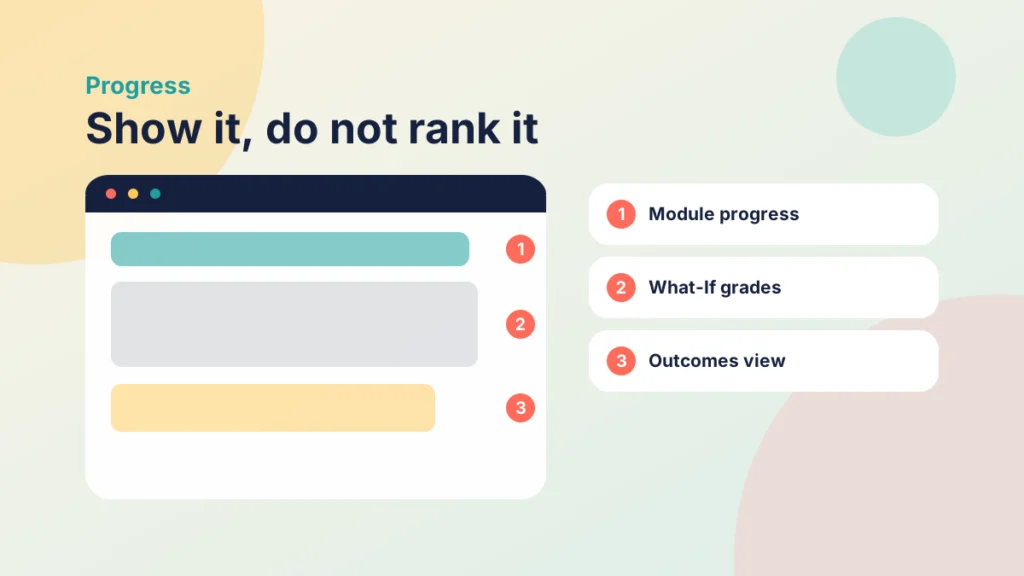
Module completion indicators show students how far they have come, and the What-If grades feature on the Grades page lets them explore how upcoming work could affect their result. If you use Outcomes, you can report progress against intended learning outcomes rather than marks alone.
Recognise achievement inclusively
Canvas does not include badges as standard, so if you want them, check whether your institution offers a credentialing tool. Alternatively, acknowledge milestones in announcements or feedback. Discussion boards can allow students to like each other’s replies, which gives peer recognition without a formal ranking.
Be careful with public leaderboards. They can discourage students who are behind and may raise privacy questions under your institution’s policies. Class-level goals, such as everyone completing a set of activities by a certain week, motivate without singling anyone out.
Try it yourself
Keep it or bin it
Swipe through the deck of gamification ideas. Press Keep for ideas that support learning, or Bin for ideas that do not. You can also use the left and right arrow keys.
Getting started
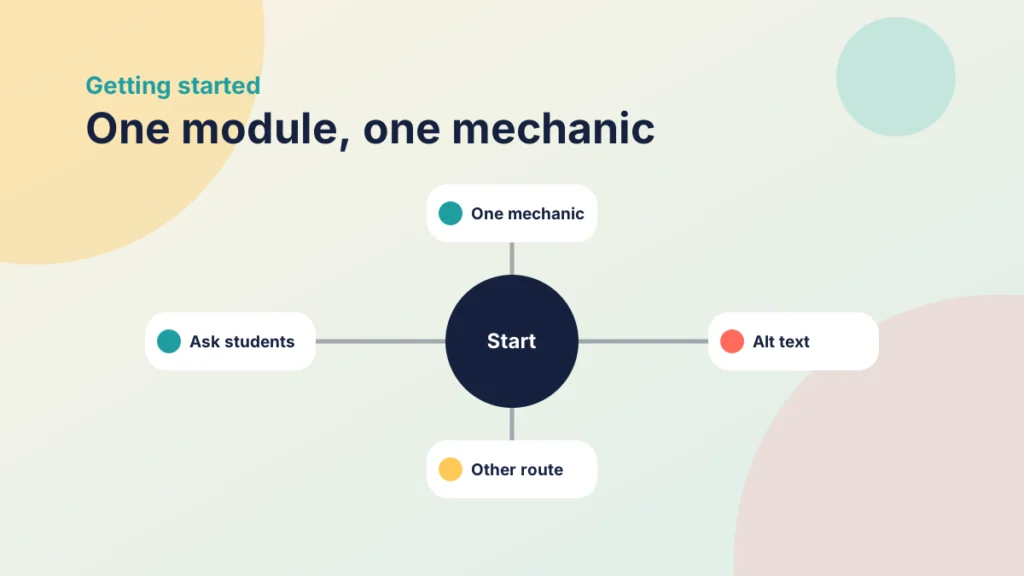
Pick one module and one mechanic rather than redesigning a whole course. Make sure students do not need to rely on colour alone to see their progress, give badge images alt text, and offer an alternative route for anyone who prefers not to take part. Then ask students what helped and what did not, and adjust.
Try it yourself
Quest forge
Choose a behaviour, a game mechanic and a Canvas feature, or roll the dice, and see how well your quest fits. Forge three quests to finish.