Most students know that AI tools exist. What they often do not know is whether they may use them for this task. If the answer sits in a policy document, or in your head, they will guess. A short AI use statement on every assessment fixes that in minutes. This post shows you how.
Learning outcomes
By the end of this post you’ll be able to
- Explain why a specific AI use statement helps students and staff.
- Compare a traffic-light scale with a five-point scale.
- Write an AI use statement for one of your own assessments.
Why students need an AI use statement
A Wonkhe comment piece by a students’ union education officer argues that students mainly need to know where they stand on AI. The concern is less about the tools and more about confidence: can I use this here, and how much?
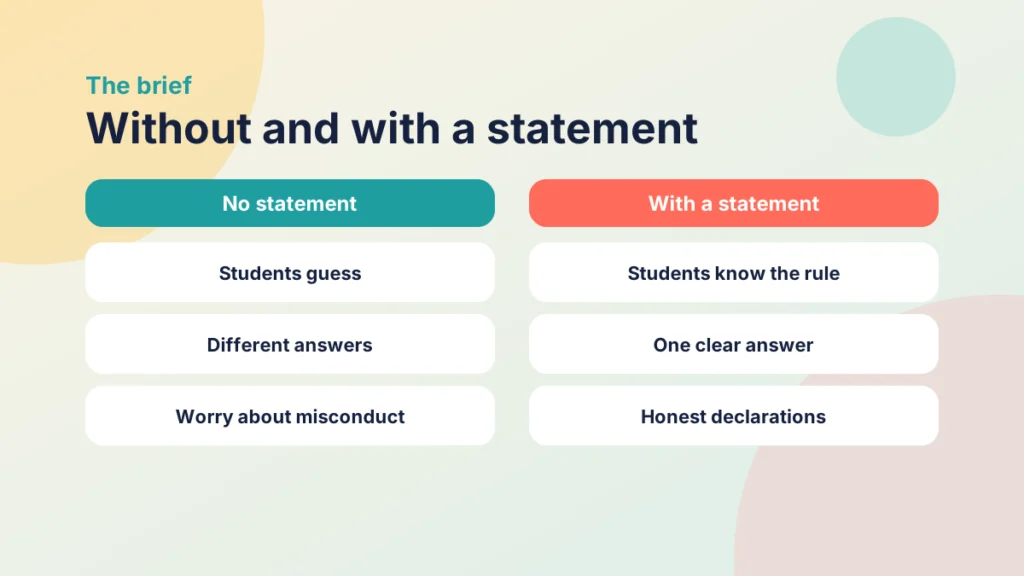
A Wonkhe and Studiosity article makes a related point. It calls for permitted AI levels to be set for each assessment, inside a consistent institutional framework, with guidance that does not leave students anxious. It is sponsored content, so read it with that in mind.
Clarity helps you too. If a student is later accused of misconduct and the brief said nothing, nobody is on firm ground. I looked at the risks of AI in summative work in The dangers of using ai for summative assessments in Higher Education, and a clear statement is a sensible first response to them.
Choose one simple scale
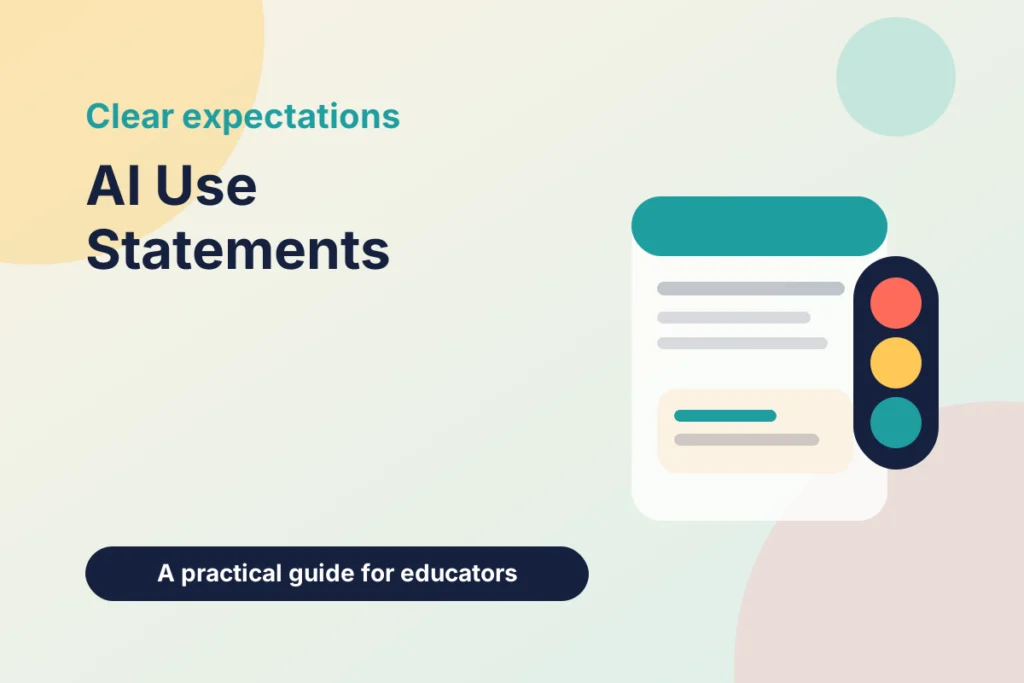
You need a scale that students can read in seconds. The Studiosity article describes three common patterns: an open or closed choice, a three-point traffic light, and the Perkins five-point scale. Use one everywhere, or your institution’s agreed scale if it has one.
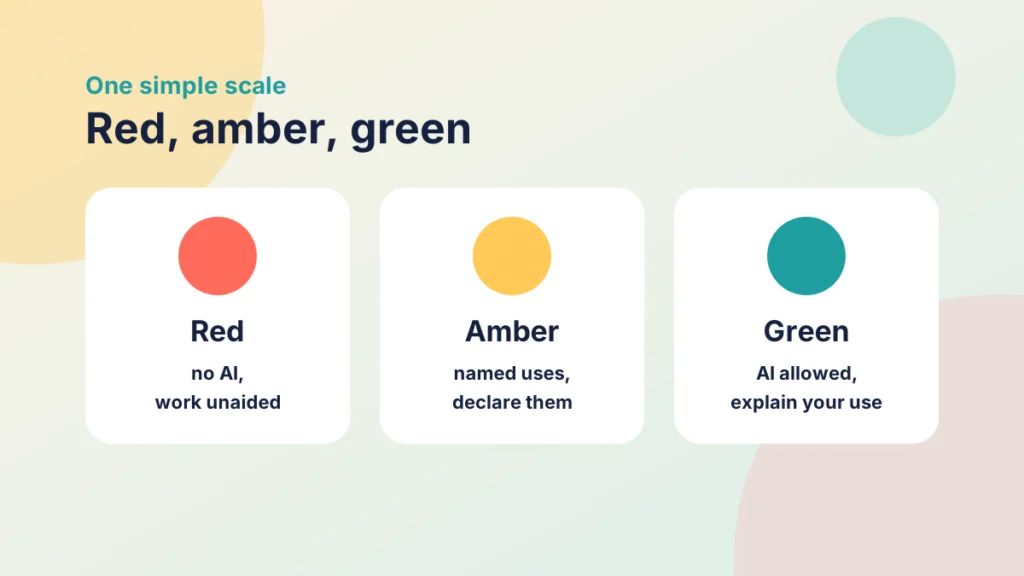
- Red: no AI. The task checks what you can do unaided.
- Amber: limited use. AI is allowed for named purposes, and you declare it.
- Green: AI is allowed or expected, and you explain how you used it.
If you need more detail, split amber into steps. This is my own simplified five-point version, not the published one: 1 no AI; 2 planning and ideas only; 3 feedback on your own draft; 4 AI-produced material that you check, edit and declare; 5 AI use is part of the task.
Whichever you choose, set the level from the learning outcome: what should students be able to do unaided?
A worked example in a Canvas assignment brief
Put the statement at the top of the assignment description, above the task, so nobody has to hunt for it. Keep it to four parts: the level, what is allowed, what to declare and who to ask.
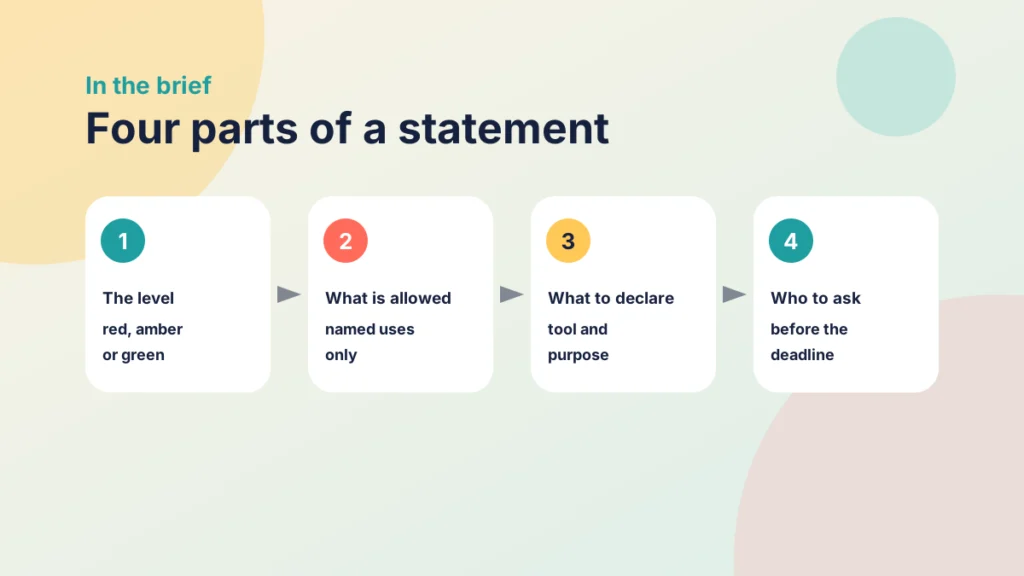
AI use in this assessment: amber (level 2). You may use AI tools to brainstorm and organise ideas. Write the submission yourself. Add a note at the end saying which tool you used and what for, or that you used none. If you are unsure, ask me before the deadline.
Put it into practice
Try it in Canvas
- Select Assignments in Course Navigation and open the assignment, or create a new one.
- Select Edit. In the Rich Content Editor, add a short heading such as “AI use in this assessment” at the top of the description.
- Write the four parts underneath, then select Save.
- Use Student View to check that the statement is the first thing a student reads.
Put it into practice
Your turn
Take one assessment due this term and write its statement in four parts. Then read it as a student who has never seen it. Could they tell what they may do?
Try it yourself
Which AI level fits?
Read each assessment and choose the level that fits it best. This is my reading, and your own learning outcomes may point somewhere else. After each answer, read the model statement you could put in the brief.
Keep the statement consistent and fair
A statement is only as good as what happens around it. Check three things.
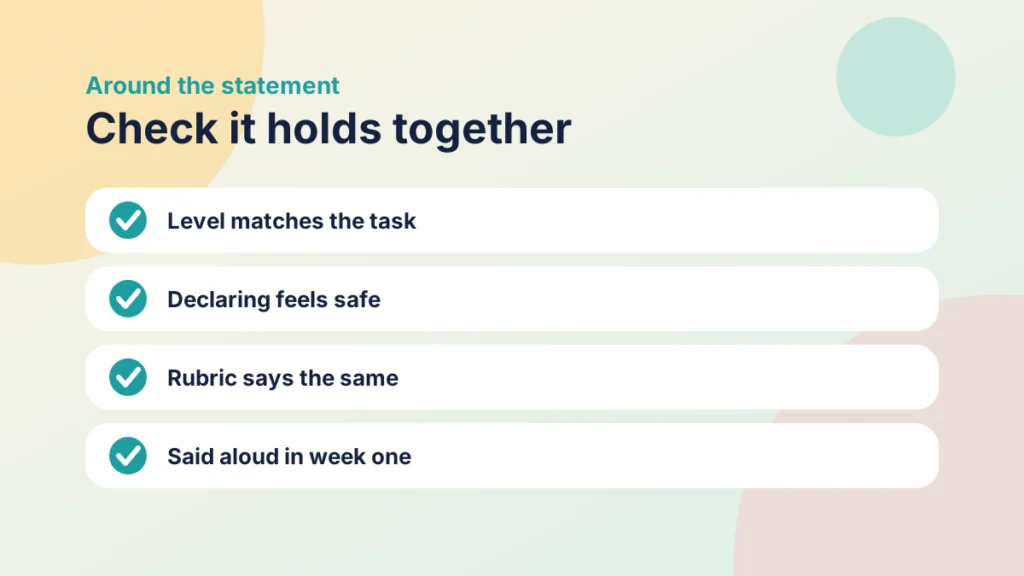
- Match the task. If the level is red, choose a task that AI cannot quietly do for students, such as a supervised piece.
- Make declaring safe. Say what happens to a declaration, and keep the wording from sounding like an accusation. The Studiosity article stresses that declarations should feel trustworthy, not punitive.
- Align the marking. Put the expectation in your rubric as well. 5 Tips for Building Effective Rubrics in Canvas explains how.
Then say it aloud. Two minutes in the first session, with the statement on screen, does more than another paragraph. It fits the Prepare step of the Introduction to the PANDA Framework, where you set expectations.
Check your understanding
Knowledge check
Why set an AI level for each assessment rather than one rule for the whole course?
Different tasks check different things. The level should follow the learning outcome.
What are the four parts of a statement in a brief?
The level, what is allowed, what to declare and who to ask.
Remember
Key takeaways
- Students need to know where they stand on AI for each assessment, not just in general.
- Set the level from the learning outcome.
- Put a four-part statement at the top of the Canvas assignment description.
- Make declaring safe, and say it aloud in the first session.
Your next step
This week, choose one assessment that students will meet in the next fortnight and add a four-part AI use statement to its Canvas brief. Afterwards, ask two students to tell you in their own words what they may do.
Reflect: which of your assessments would a student find hardest to place on your scale, and why?
Keep going
How to Build Canvas Item Banks and Why
What Canvas item banks are, why they save time and improve consistency, and how to build one and draw items from it in a New Quiz.
How to Use SpeedGrader in Canvas and Why
Why SpeedGrader is worth learning, what it gives you and how to mark submissions in Canvas step by step.
How to Use a Rubric in SpeedGrader
How to mark with a rubric in SpeedGrader: attach it, apply ratings and write feedback students can use.