Playlists and choice boards both give students a say in how they learn. Done well, they save you from writing separate versions of a unit. Done badly, they leave students with a pile of options and no sense of what matters. This post gives you practical tips for building each one so that students always know where they are heading.
Learning outcomes
By the end of this post you’ll be able to
- Compare a playlist with a choice board and choose one for a given goal.
- Apply five design tips to build a playlist for one unit.
- Design a choice board in which every option meets the same outcome.
Playlists and choice boards: what is the difference
A playlist is a short, ordered set of activities that leads students towards one outcome. They move through it at their own pace, and sometimes in a different order, with checkpoints along the way. Think of it as a route with a clear start and finish.
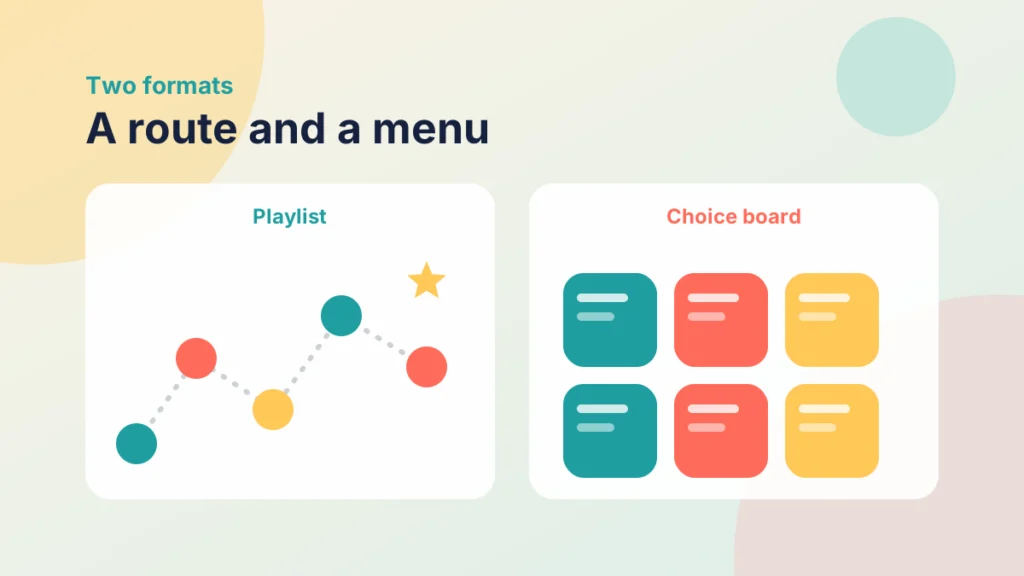
A choice board is a grid of tasks that all lead to the same outcome. Students pick one or more, so they decide how they will show what they know. Think of it as a menu: different dishes, the same nutritional aim.
Both ideas depend on one rule. The outcome is fixed, and only the route changes. If students can pass by doing something easier, the choice has become a loophole rather than a design.
Choose a playlist when the order matters, for example when each step builds a skill that the next one needs. Choose a choice board when the steps are independent and the main aim is to let students show the same learning in different ways. You can combine them: a playlist whose last step is a small choice board gives students structure first and freedom at the end.
This is a good fit for the Navigate and Demonstrate steps of the Introduction to the PANDA Framework, where students find their way through content and then show what they can do. The Engagement Cycle and How to Use It explains how choice supports motivation across a whole unit.
Tips for designing a playlist
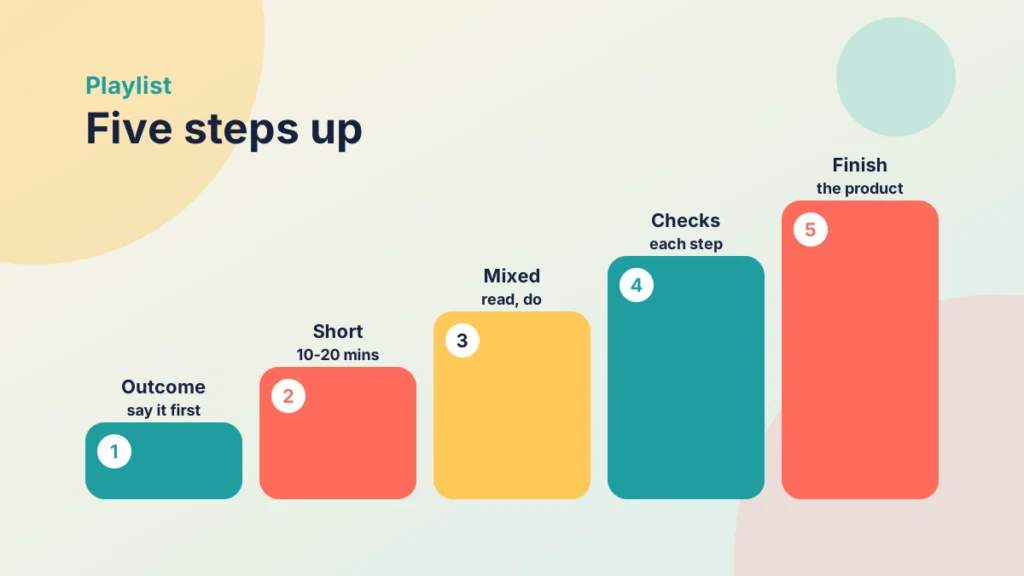
1. Start with the outcome
Put the outcome and an estimate of the time at the top. Students should know what the steps are for before they begin, and roughly how long they will take.
2. Keep each step short
Aim for steps that take ten to twenty minutes. That is my own rule of thumb, not a research finding, so adjust it for your subject. Short steps are easier to start, easier to finish and easier for you to fix.
3. Mix the formats
Combine reading, a short video, a practice task and a reflection, so that students are doing something at each step, not only watching or reading. If you use video, keep it short, and see How to Use Video Effectively at Every Stage of an Online Course for ideas.
4. Build in checkpoints
After each step, add a quick check: two or three questions, a short reflection or a small product. A checkpoint tells the student whether to move on, and tells you who needs help.
A checkpoint can be very small. For a statistics unit it might be one question that asks students to choose the right test for a short scenario. If they get it right, they move on. If not, a link sends them back to the explanation or to an extra example.
5. Show the finish line
Name the final product and show how it will be judged. When students can see the end, they are more likely to keep going.
One more trick: let students skip with evidence. Some students will already know the early material. Let them pass a checkpoint and move on, so the playlist does not feel like busywork. This is a quick way to respect what they bring, and it costs you very little once the check is written.
Put it into practice
Your turn
Choose one unit and list five steps for a playlist. Write the outcome in one sentence at the top, and add one checkpoint after the second step.
Try it yourself
Spot the weak designs
Press each design that has a problem, then check your choices.
Tips for designing a choice board
A choice board looks simple but needs more design than a playlist. These tips keep it fair.
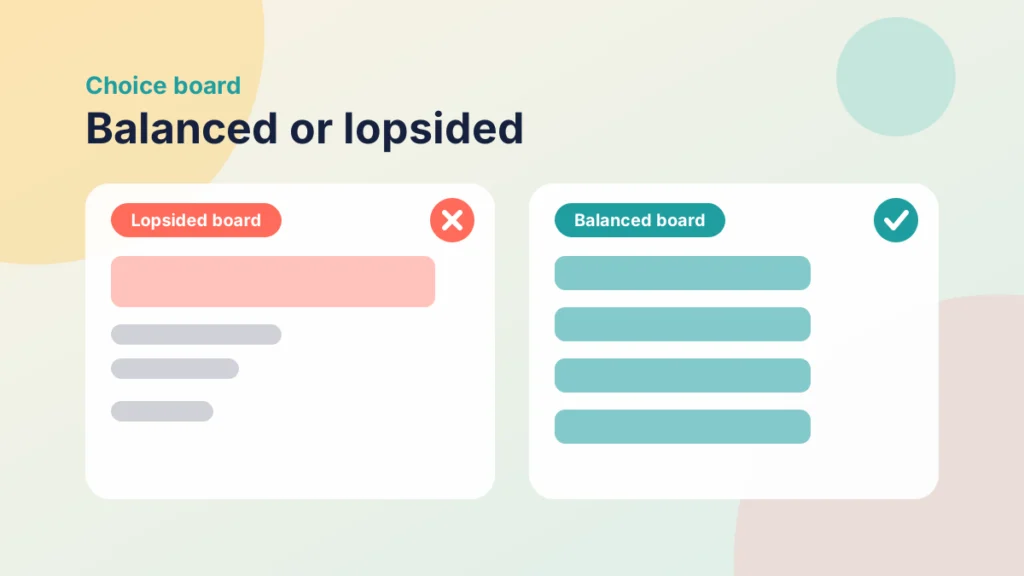
- Same outcome, different routes. Each option should lead to the same learning outcome and be judged against the same standard.
- Similar effort. If one task is much larger than the others, students will avoid it. Check the workload of each option.
- A sensible number. Six to nine options is a good range in my experience, though the right number depends on your group.
- A minimum. Ask for a set number of tasks, or one from each row, so that students cannot avoid the harder parts.
- A way in. Add a one-line description to every option, covering the skill it practises and about how long it takes.
- One open option. Let students propose their own idea, if you agree it first.
Ask students to explain their choice in a sentence or two, such as why they picked a recorded explanation over a written summary. It makes them think about how they learn, and it gives you useful information when you plan the next board.
Use one rubric for every option. 5 Tips for Building Effective Rubrics in Canvas shows how to write criteria that work across different formats.
Case study
A revision choice board
Illustrative example
The context
A lecturer is supporting a first-year group before an assessment. Some students prefer writing, some prefer talking and some prefer making.
The challenge
Previous revision activities were the same for everyone, and many students ignored them.
What they did
The lecturer built a board of six tasks that all revised the same three outcomes, including a short summary, a recorded explanation and a quiz. Students completed any three, one for each outcome.
What happened
More students completed the revision, and the lecturer could see which tasks they chose in order to improve the board for next year.
What would you do?
- Which option would you add for your subject?
- How would you make sure each option takes about the same time?
Three problems come up often. First, too many options: students freeze, so cut the board until each option earns its place. Second, unclear instructions: each option needs a short description of what to produce and how it will be judged. Third, no follow-up: if nobody looks at what students chose, the choice feels pointless, so say in the next session what you noticed.
Try it yourself
Build a fair choice board
Choose three tasks, one for each learning outcome (A, B and C). See how long the board asks of a student.
Build both in Canvas
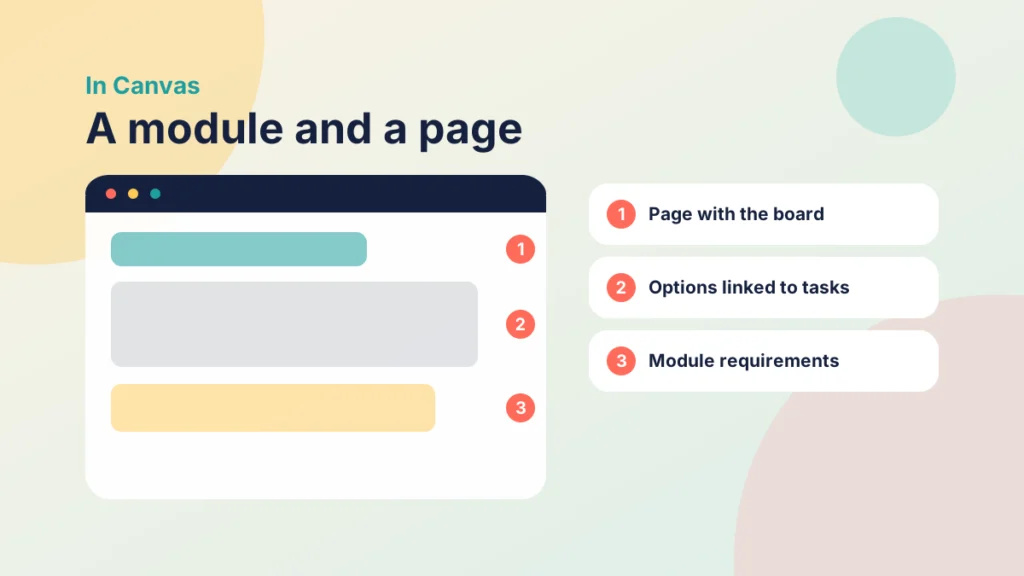
You do not need a special tool. A Canvas Page and a module can hold both designs.
Put it into practice
Try it in Canvas
- Select Pages in Course Navigation, then + Page.
- Add a heading and the outcome, then insert a table for the board. Put one option in each cell.
- Link each option to an assignment, a page or a discussion, using the link tool in the Rich Content Editor.
- For a playlist, select Modules and add the steps in order, with a text header for each one.
- Choose Edit on the module, add a requirement for each item and, if you need a set order, tick that students must move through in sequence.
Once students are working, the Modules page shows each student’s progress through the requirements you set, and you can see who has completed which items. Use this to decide who needs a message, and keep the tone supportive rather than checking up.
If the Page needs a tidy layout, Tips and Tricks for Better Canvas Wiki Page Design can help, and One Page vs Pre-In-Post vs PANDA shows how to place it in your week.
Check your understanding
Knowledge check
What stays the same across every option on a choice board?
The learning outcome and the standard it is judged against.
Why add a checkpoint to each playlist step?
It tells the student whether to move on and tells you who needs help.
How can you stop students avoiding the hardest task on a board?
Set a minimum, such as one task from each row.
What should sit at the top of a playlist?
The outcome and an estimate of the time.
Remember
Key takeaways
- A playlist is an ordered route, and a choice board is a menu with one outcome.
- Fix the outcome and the standard, and let the route vary.
- Keep playlist steps short and add a checkpoint after each.
- Keep choice board options similar in effort, with a minimum to complete.
- A Canvas Page and a module can hold both designs.
Your next step
This week, pick one unit and turn a single week into a playlist of three to five steps, or a choice board of six options. Share the outcome at the top. Afterwards, look at which steps or options students chose and where they stopped.
Reflect: which part of your course is the same for everyone and would work better with a choice?