Instructure has announced Notebook, built-in note-taking for learners in Canvas. Until now, many students have kept their notes in a separate app, a paper pad or a document that never touches the course. A note-taking space inside Canvas changes where that thinking happens, and that gives you something to design for.
A caution first. I am working from the announcement’s headline description, so I have not assumed details such as where notes are stored, who can see them or how they link to content. Confirm those with your institution before you build anything around them.
Learning outcomes
By the end of this post you’ll be able to
- Explain why note-taking is a design decision as well as a student habit
- Apply a short pre-term check to a new Canvas feature
- Design a course page that gives students something worth noting
- Distinguish students’ private notes from work you assess
Why note-taking belongs in your course design
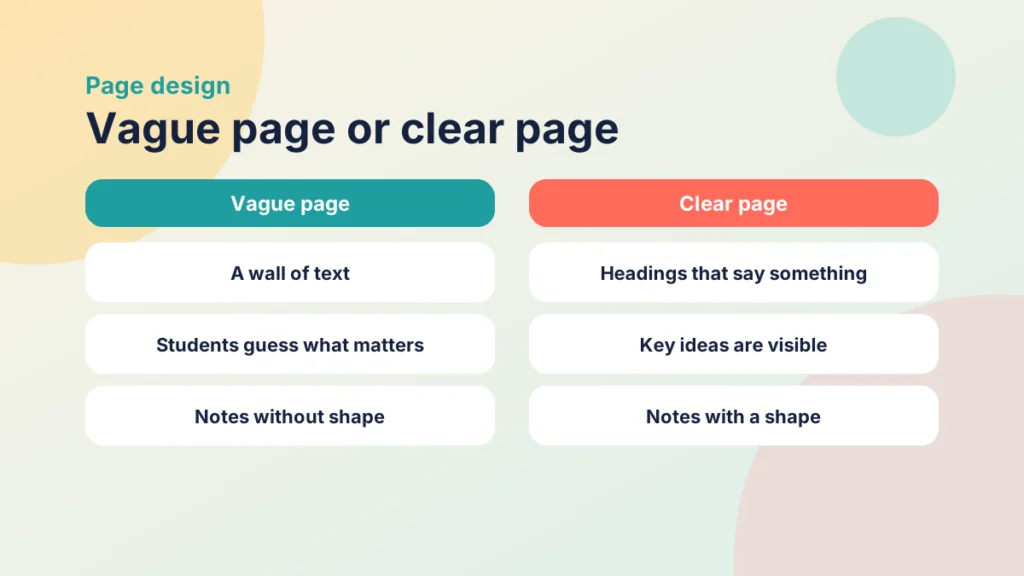
Students make notes whether or not you plan for it. What you control is how easy your pages make it. A page with no headings, three videos and a wall of text leaves a student to decide alone what matters. A page with clear headings and a stated purpose gives their notes a shape.
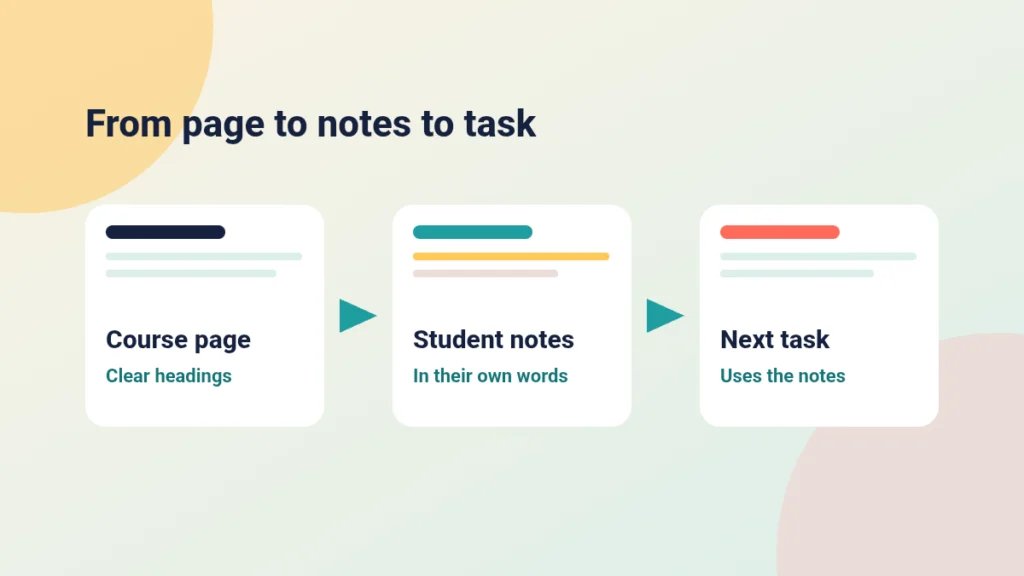
Think of notes as the link between a page and the next task. Students read or watch, capture something in their own words, then use it in a discussion, quiz or assignment. If the page is vague, the notes are vague, and the task feels harder than it should.
A built-in space may also make it easier for students to keep notes next to the material. That is a possibility, not a promise, so treat it as a reason to review your pages rather than a reason to change your teaching wholesale. Many of the habits that help here are covered in tips for better Canvas wiki page design.
Check Notebook before you rely on it
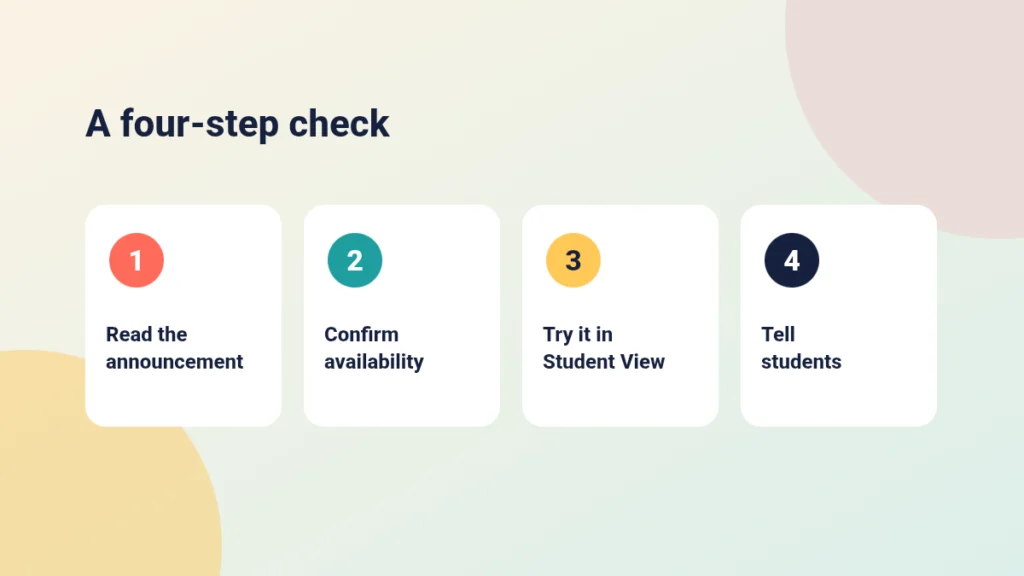
New features arrive unevenly. Your institution may switch something on later, or configure it differently, or hold it back while it reviews data protection. Do a short check before you mention it to students.
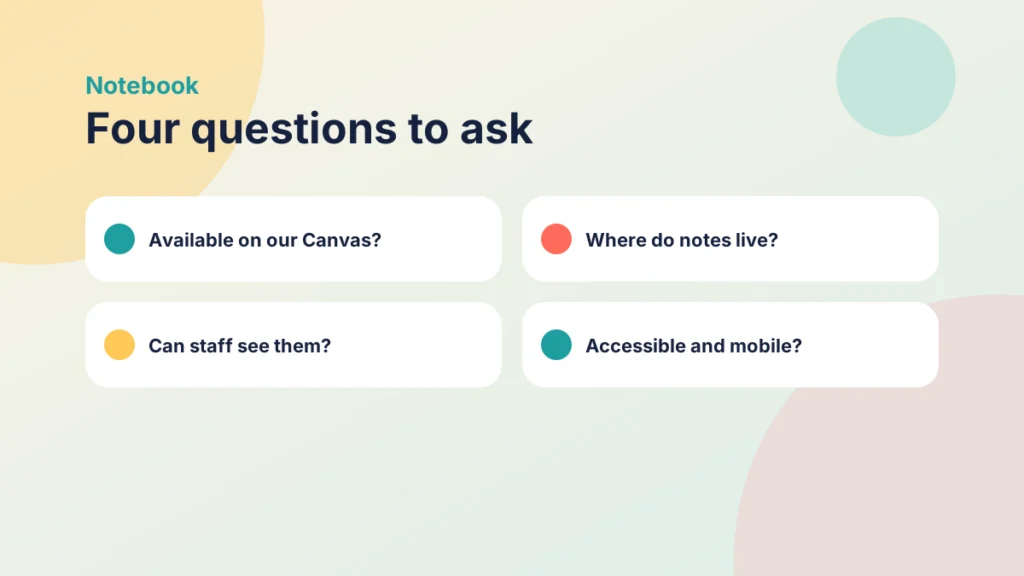
Questions worth answering:
- Is Notebook available on our Canvas, and for which courses?
- Where do notes live, and do they stay with the student after the course ends?
- Can staff see students’ notes? Students will ask, so know the answer.
- Does it work well with screen readers and on mobile?
Your local Canvas team will usually know. If you are also checking what has changed elsewhere, a five-minute check of Canvas changes before marking follows a similar habit.
Put it into practice
Your turn
Write down the four questions above and send them to your learning technology or Canvas support team. Note the date you asked and the answers you get. You now have the start of a short student guide.
Check a new feature before term
Put the steps for introducing a new Canvas feature to students in a sensible order.
Design pages that give notes something to hold on to
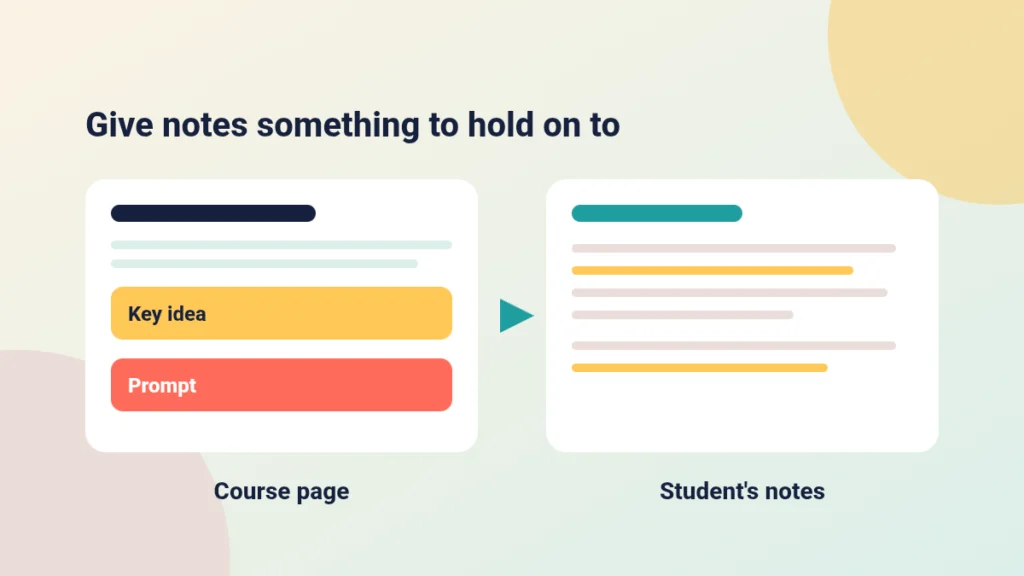
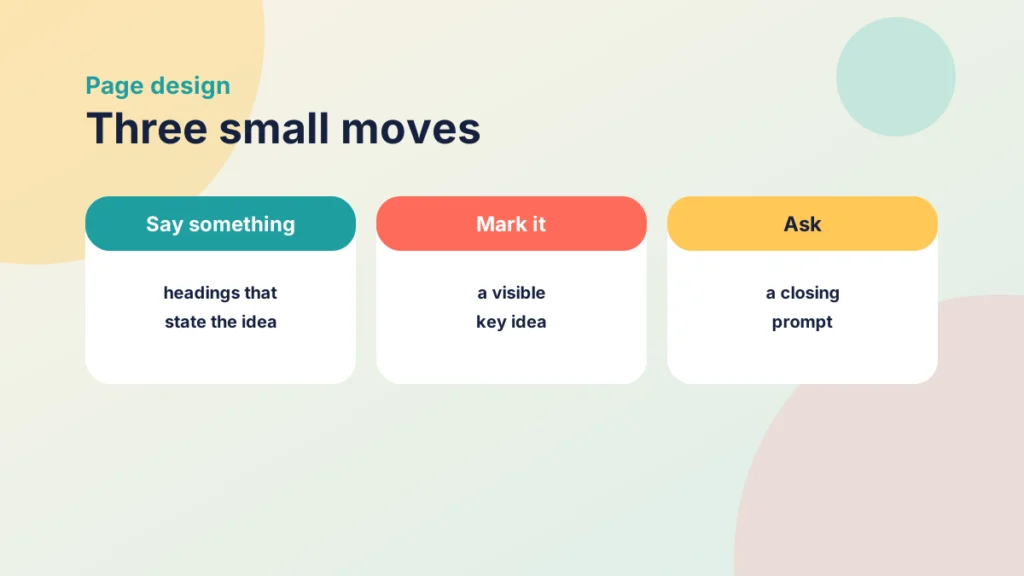
You do not need to wait for the feature to improve a page for note-takers. Three small moves help whichever tool a student uses.
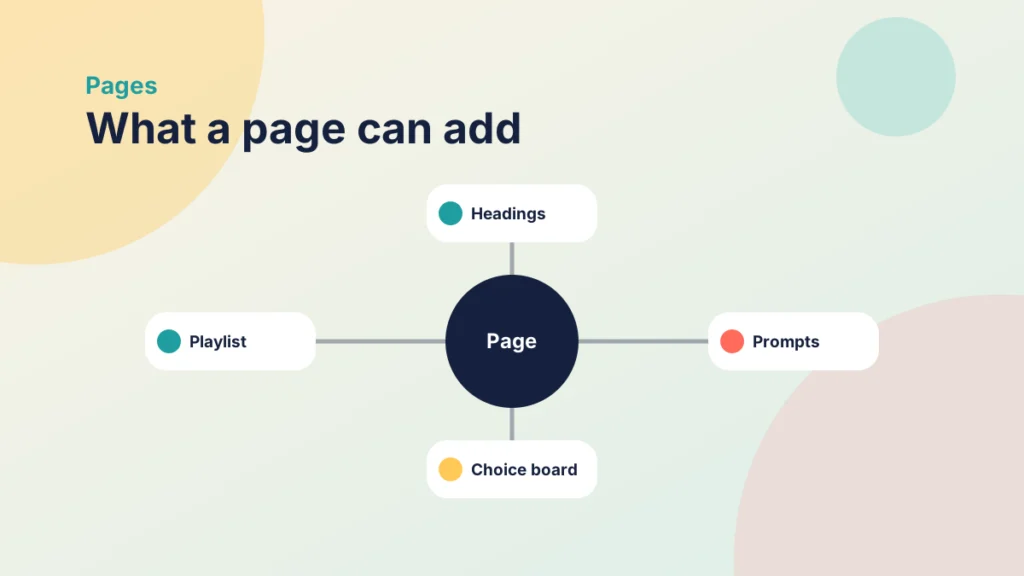
Use headings that say something. “Week 3 reading” tells a student nothing. “Why sampling method changes your conclusions” gives them a line to write under.
Mark the key idea. Put the two or three things you most want remembered in a short, visible block. Students then spend less effort deciding what to capture.
End with a prompt. Ask for a sentence in their own words: “Note one example from your own placement that fits this model.” The prompt turns passive reading into a small act of retrieval.
Case study
A reading page that students could note against
Illustrative example
The context
A first-year health module at a UK university sets a weekly reading page in Canvas with a journal article and a recorded explanation.
The challenge
Students say they read everything but cannot recall it when the seminar starts. The page is one long block under a heading reading “Week 4”.
What they did
The lecturer split the page under three descriptive headings, added a short “Key idea” block to each and ended with one prompt: “Note one question this raises for your own practice.” Seminar slides then opened by asking students to bring that question.
What happened
Seminar discussion started faster because students arrived with something written down. The lecturer also found the headings and prompts were easier to reuse in the next run of the module.
What would you do?
- Which of your weekly pages has the least obvious thing to note down?
- What single prompt would you add at the end of it?
Put it into practice
Try it in Canvas
- Open one existing page from Pages and select Edit. Instructure’s guide to creating a new page in a course covers the editor.
- Replace generic headings with ones that state the idea.
- Add a short “Key idea” paragraph under each heading.
- Finish the page with one note-taking prompt, then select Save.
- Check it as a learner using Student View.
Helps notes or gets in the way
Sort each page feature by its likely effect on a student taking notes.
Keep private notes separate from assessment
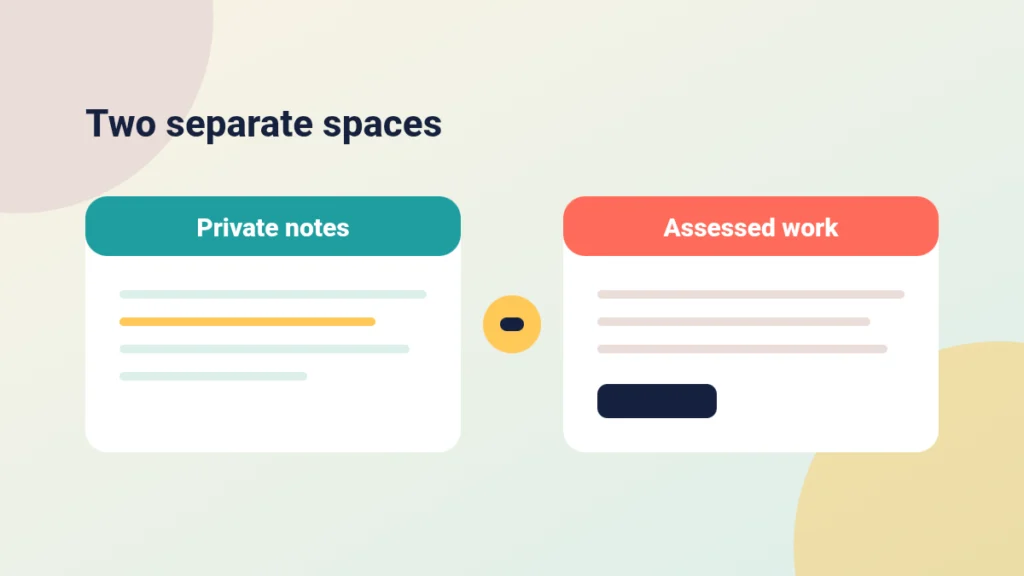
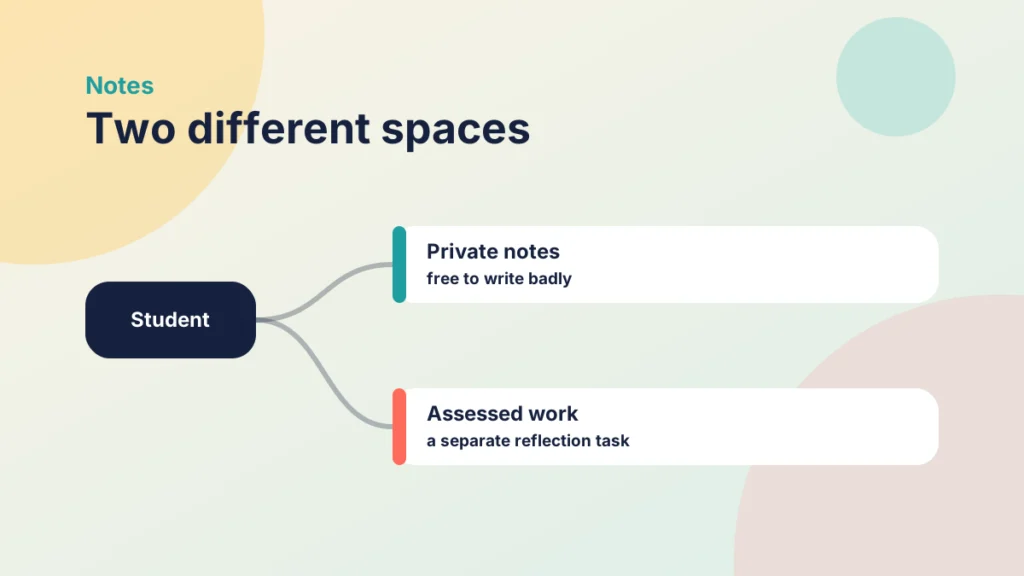
Notes work best when students feel free to write badly. If they suspect you will read or mark them, they will write for you rather than for themselves. Decide early what is private working space and what is assessed work, and say so.
If you want students to show their thinking for credit, set a separate task. A short reflection or an explain-your-choices activity gives you evidence without turning their notes into a performance. Assess the thinking, not just the output sets out how to do that in Canvas.
It is also worth telling students what the tool is for in the first week, alongside how the course runs. A How This Course Works page is a natural home for two lines on note-taking.
Put it into practice
Your turn
Draft two sentences for your week-one page: where students might keep notes, and whether you will ever see them. If you cannot yet answer the second part, that tells you what to ask your institution.
Check your understanding
Knowledge check
Why is a heading such as “Week 3 reading” a weak support for note-taking?
It does not say what the idea is, so students must decide alone what to capture. A heading that states the idea gives them a line to write under.
Name two questions to answer before telling students about Notebook.
Any two of: whether it is available on your Canvas, where notes are stored, whether staff can see them, and whether it is accessible. Each affects what you can promise students.
You want evidence of students’ thinking. Why set a separate reflection rather than read their notes?
Students write more freely when notes are private, and a separate task lets you assess thinking without changing how they take notes.
What does an end-of-page prompt add?
It asks students to put an idea in their own words, which makes the page an act of retrieval rather than passive reading.
Remember
Key takeaways
- Notes link a page to the next task, so page design shapes note quality.
- Confirm availability, storage, visibility and accessibility before you promise anything.
- Descriptive headings, a key idea block and a closing prompt help any note-taker.
- Keep private notes separate from assessed reflection.
Your next step
This week, pick one page you use in week two or three of a module. Rewrite its headings so they state the idea, add a key idea block, and end with one note-taking prompt. Then open it in Student View and ask whether you would know what to write down.
Reflect: if a student’s notes from your page were all you could see, what would they tell you about how clear the page was?
Try it yourself
From file to page
Choose a type of file that sits on a modules page and see how you could turn it into a page. These are suggestions, so adapt them to your course.
Keep going

Build Repeatable Canvas Pages With the Content Builder
The Content Builder takes the formatting effort out of the Canvas RCE. Here is how to use it to build recognisable page structures you can repeat across a whole course.
Refreshing Old Canvas Pages Without Rebuilding Them: A Before-and-After Checklist
You can improve inherited Canvas pages one at a time. This post gives you a short checklist for headings, link text, images and consistency, with a worked before-and-after page.
Three Canvas Changes to Check Before Marking This Autumn
Three small changes in the latest Canvas notes touch your autumn routine: excusing group submissions, a crossed-out eye icon and a backup reminder. Here is what to check.