
Whether to drive a Canvas course with Modules or Pages depends on your needs. In practice, driving a course with Pages usually reflects the skills and Canvas knowledge of the teacher building it.

Using Pages without Modules
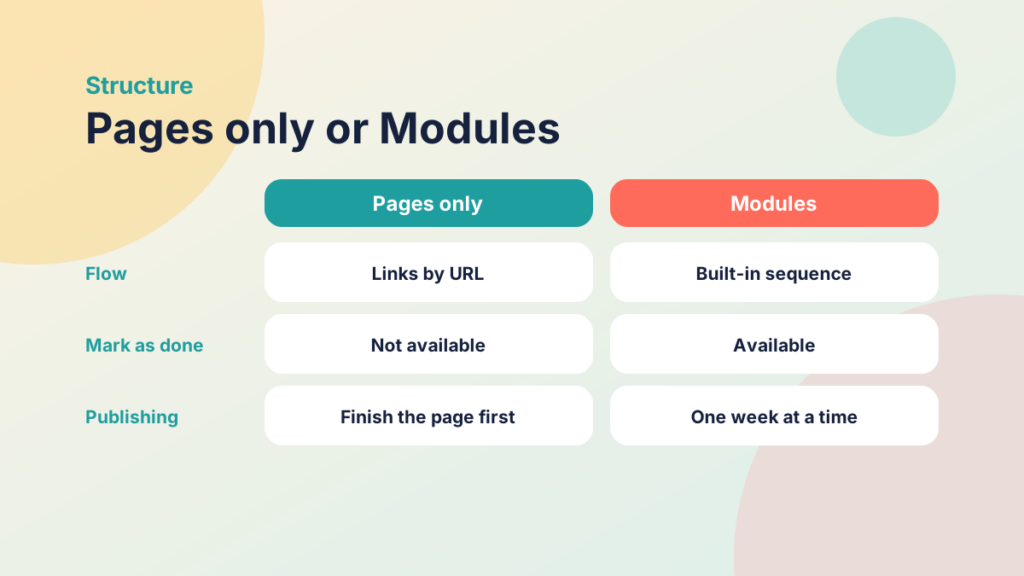
Using only Pages means missing out on much of what Canvas offers. Content creation may be simpler, but you lose student experience features such as ‘mark as done’ and a flow through different content types, unless you link between pages with URLs. I talk a lot about creating a weekly structure for active learning that can also be flipped. If Pages drive all of your content, each page must contain everything, and you must complete it before you publish it.
Find out more about pages here: Canvas Pages Guides
Using Modules to structure the content
In my opinion, this is the best way to structure a Canvas course. You create the active or flipped learning sections one at a time and publish them one at a time, so students can complete some weekly content while you create the rest. In an ideal world all your content would be ready weeks in advance, but let’s face it, that doesn’t always happen.
Find out more about Modules: Canvas Modules Guides
Using Module Requirements
Requirements work best when a module has several items. You can use one for a single item, such as a page, but with several items you can set a different requirement for each activity. For example:
| Item Name & Type | Requirement |
| PREPARE: Page | Mark as Done |
| ACTIVATE: Discussion | Contribute to Discussion |
| NAVIGATE: Page | Mark as Done |
| DEMONSTRATE: Assessment | Score at Least 70% |
| ARTICULATE: Discussion | Contribute to Discussion |
Find out more about Module Requirements here: How do I add requirements to a module?
Using Module Prerequisites
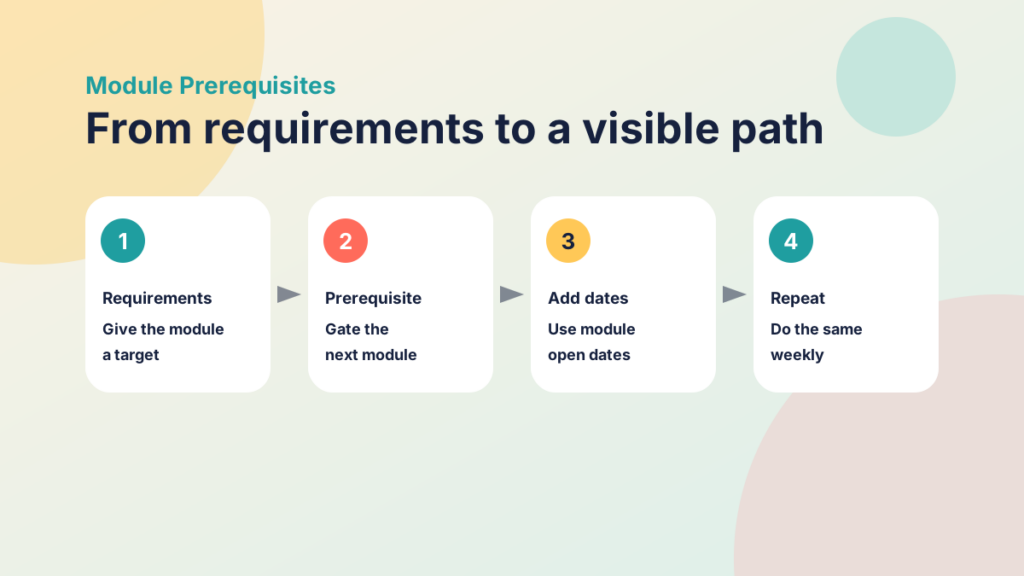
Prerequisites go hand in hand with requirements. Once requirements give a module a completion target, you can make that module a prerequisite for the next. You’re saying, “Hey, you need to complete all that is required of you before you gain access to the next set of resources.” Combine prerequisites with module availability dates, repeated through the weeks of a course, and students get a structure they can see and follow (visible learning).
Find out more about Module Prerequisites here: How do I add prerequisites to a module?
Using Rubrics
Rubrics are great, and under-used. They make goals and expectations visible, and let you quickly apply an outcome to a gradable activity. I encourage you to use rubrics in Canvas, even alongside a zero-point activity.

https://community.canvaslms.com/t5/Instructor-Guide/How-do-I-use-a-rubric-to-grade-submissions-in-SpeedGrader/ta-p/1015
Once a rubric is attached, you can simply click the desired outcome and/or grade. Using a rubric alongside individual feedback goes a long way towards increasing motivation and participation (we love student engagement!).
Click to find out more about Adding a rubric here.
Making Learning Visible
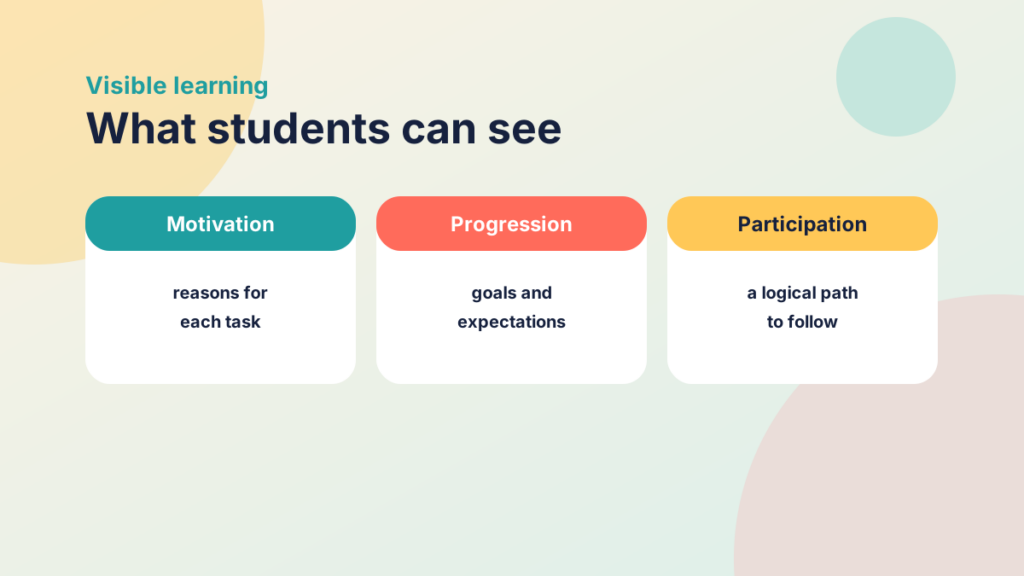
So what does this all mean? Why not just add pages and link between them? Nothing stops you, but don’t you want everything Canvas can offer? These tactics also make learning visible (Hattie): students see logical paths and reasons for doing things in your course.
Motivation, Progression and Participation
Of the three elements of student engagement, Motivation, Progression and Participation, Goals and Expectations sit with Progression. This structure, or something similar, creates them easily, without the hassle of building one big page.
Try it yourself
Match the item to its requirement
Match each module item from the example to the requirement it uses.
Try it yourself
Pages only or Modules?
Decide which approach each statement describes.