I’d been thinking of moving my hosting and domains to AWS (Amazon Web Services) for some time. Why? My last hosting was sound. It did what it needed to do: serve web pages without too much hassle.

I’ve never been one for ready-built hosting packages like godaddy.com and wix.com. I’ve always veered towards a manual approach, sorting out my domains and configuring most things myself. That comes from an inquisitive mind and the spirit of learning.
What the move involves
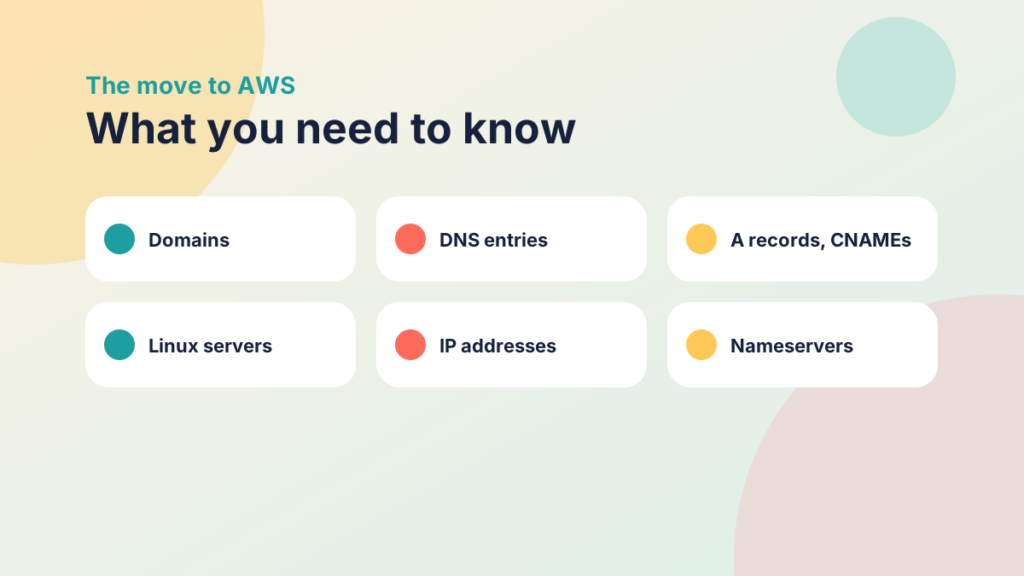
Since I first heard of AWS I wanted to see what the fuss was about. It’s impressive, with a steep learning curve. If you’re new to website administration, prepare for a ride. You’ll need to know about domains, DNS entries, A records, CNAMEs, Linux (if you choose it as the server), IP addresses, nameservers and transferring domains, and the list goes on. Then you have to work out which AWS services you need.
I installed a WordPress multisite, so I chose Lightsail. With a couple of different domains on the multisite, I also had to configure DNS zones in Route 53. You’d do that for a standard WordPress install too, but I had to get my head around different domains on a multisite.
Try it yourself
Match the term
Match each hosting term to what it does or what it is.
Why all of this unnecessary hassle?
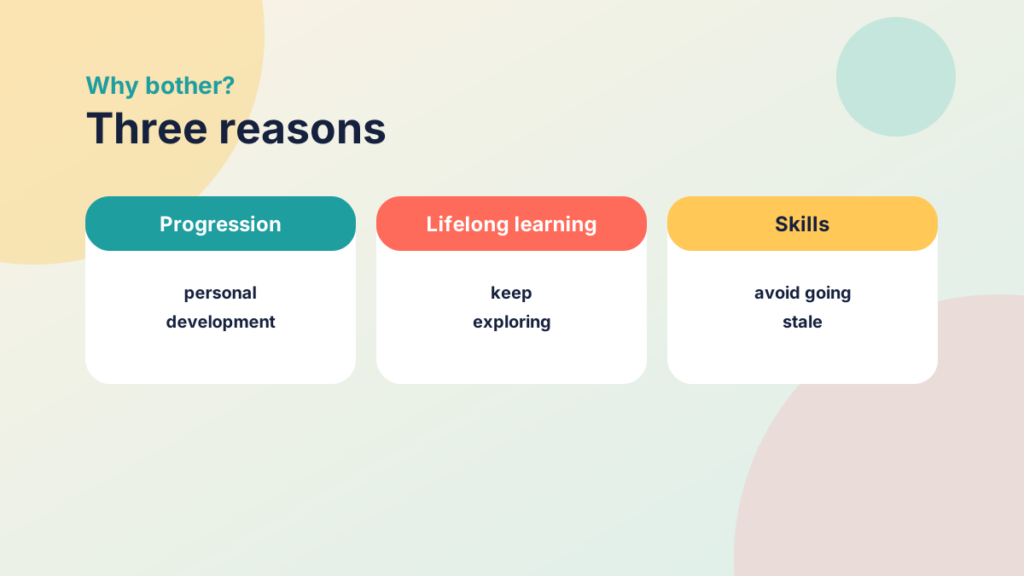
I know what you’re asking: “Why put yourself through all of this unnecessary hassle?” For me it’s personal progression and lifelong learning, and not letting my skill set stagnate. If you work in education, you know this well. You watch with envious eyes as the private sector moves faster with technology. As a one-man technology army, you also find support at a premium, and you sometimes end up learning old technologies. Not on purpose, but because that’s what the how-to’s you find online describe. I found this out the hard way when I implemented SharePoint on my own as a company-wide intranet. I’d never done it before and was implementing older tech when the world had moved to 365. That was a rough ride!

Lifelong Learning underpins strength of mind
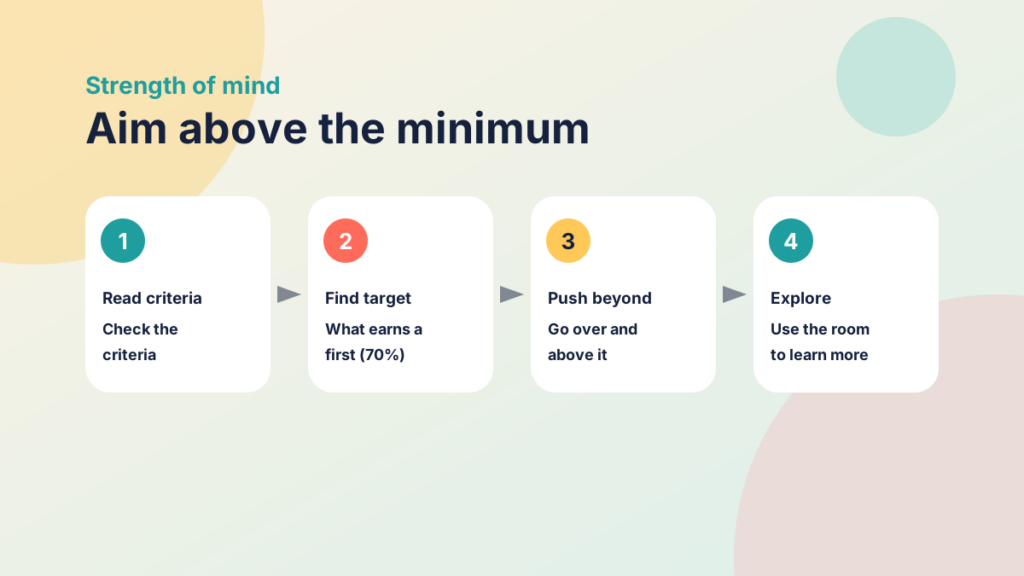
How does this tie to learning? During my degree I was always exploring the boundaries of what I was trying to do. With a module assignment, I would go straight to the marking criteria and look at what earned a first (70%), which was always my minimum target. Once I knew what I needed, I pushed over and above to secure it. That left room for manoeuvre, and in my mind that’s where real learning and exploration happen. It makes you a stronger learner: when the going gets tough, you have the skills and mental strength to know that patience and determination will see you through.
Want to know more about the migration to AWS?
Contact me to find out more. Blog posts are coming.
Try it yourself
How far do you stretch?
Tick the habits you already have.